
How Zebra's Latest Industrial, Desktop and Mobile Printers Drive Productivity Across Industries
zebra printers and consumables
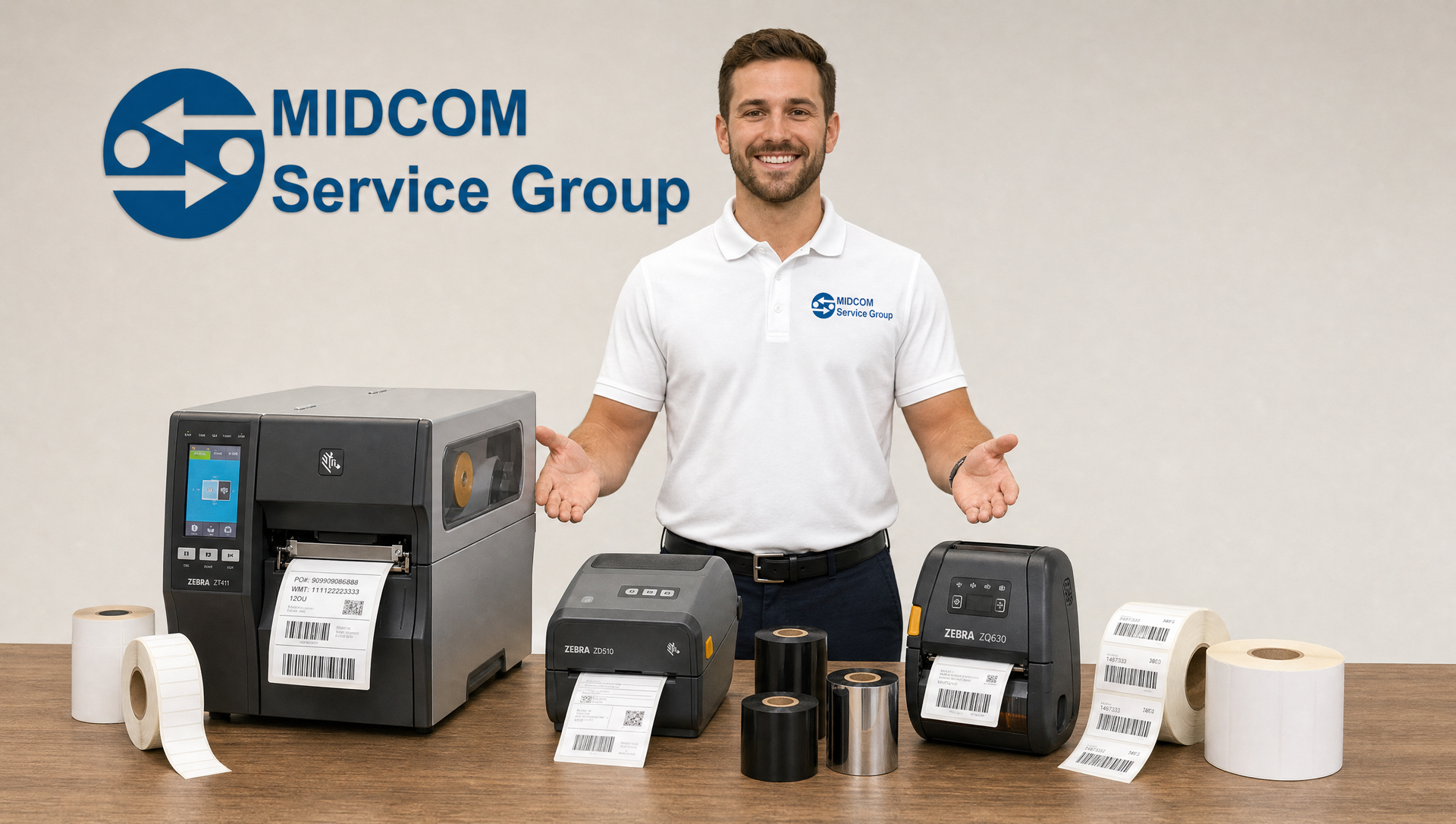
A barcode label printer is easy to overlook until it stops working. In a distribution center, it's the step between a picked order and a truck. In a hospital, it's how a specimen gets linked to the right patient. In a store, it's what puts the right price on the shelf. Every one of those jobs depends on a printer that runs fast, prints a clean barcode the first time, and doesn't need someone standing next to it fixing problems.
Zebra's current printers are built for that. Across the industrial, desktop and mobile lines, the newer models share a few themes: faster and more accurate printing, easier media loading, status you can read at a glance, and remote management through Zebra's Print DNA software. Here's how each category helps different industries get more done.
Industrial printers: built for high-volume, 24/7 operations
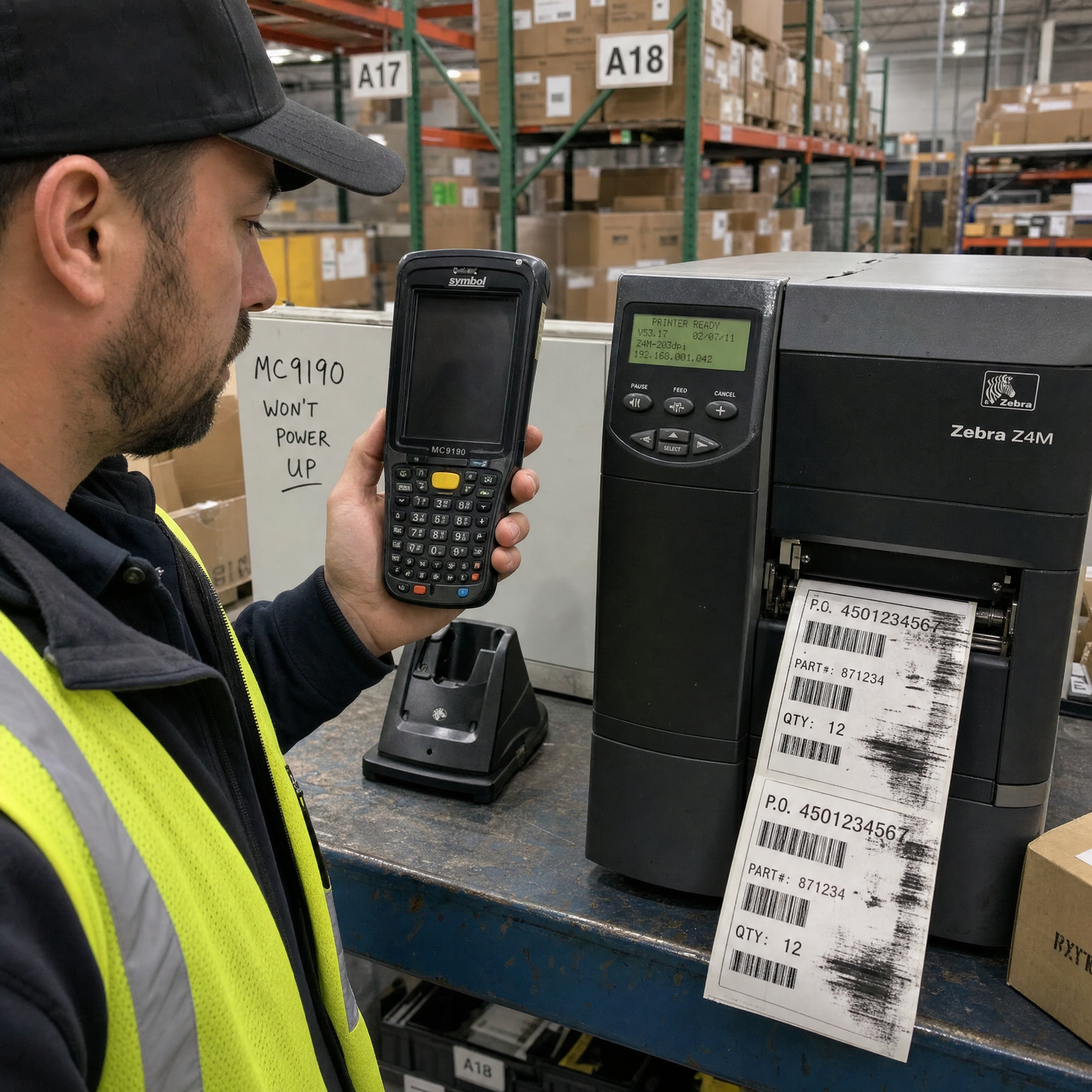
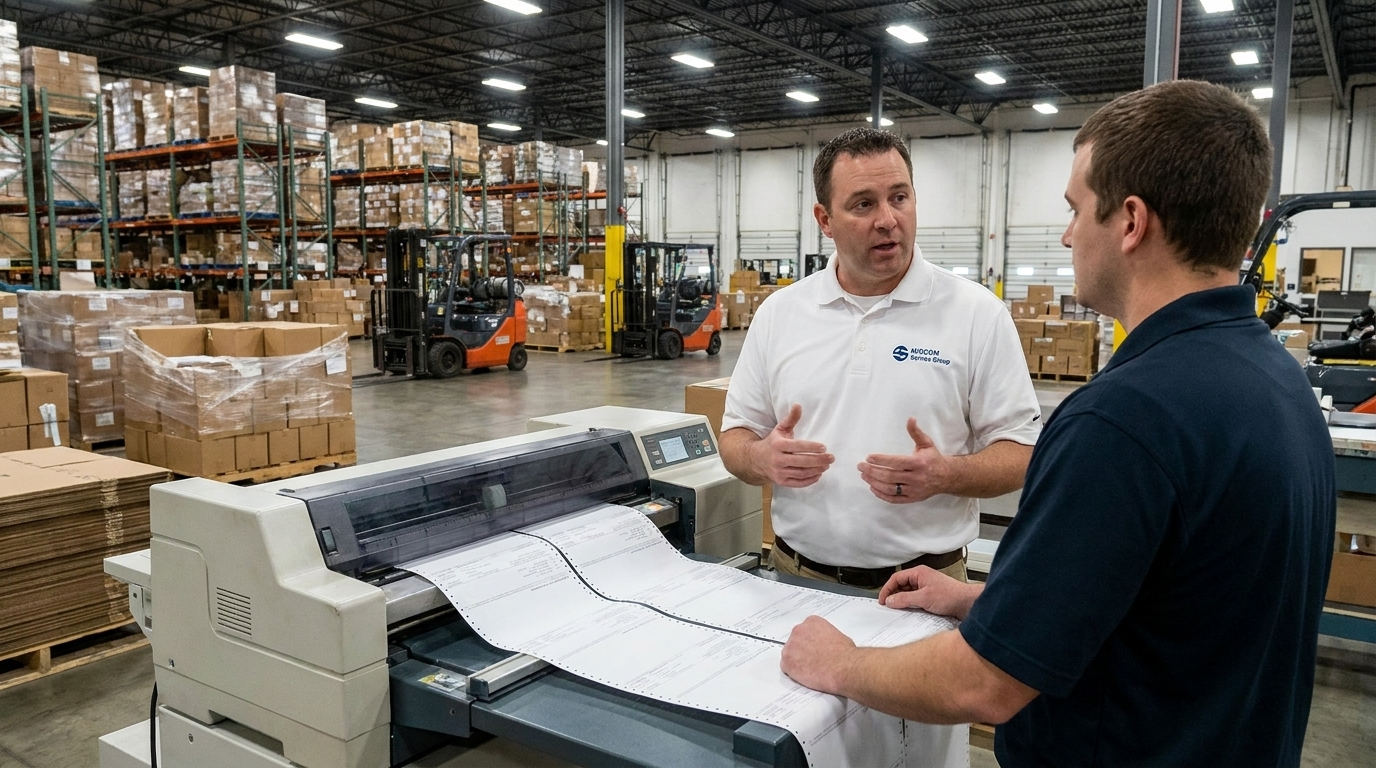
Zebra's industrial printers are designed for warehouses, distribution centers and manufacturing plants that print thousands of labels a shift and can't afford to stop. Zebra describes the line as built for 24/7 reliability in high- to mid-volume applications, with barcode and RFID printing options.
ZT400 Series (ZT411 and ZT421)
The ZT400 Series is the workhorse of Zebra's industrial line, made for moderate-to-high duty cycles. Both models use an all-metal frame and a 4.3-inch full-color touch display, so operators can check status and change settings quickly instead of digging through menus.
- ZT411 (4-inch): prints up to 14 inches per second, with optional 300 dpi or 600 dpi printheads for very small, high-density labels.
- ZT421 (6-inch): prints up to 12 inches per second on wider labels for pallets, cartons and drums.
Much of the productivity gain comes from making the printer adapt as you grow. Connectivity, media handling and RFID encoding can be added in the field, including on-metal RFID tagging on the ZT411. You don't need to buy a new printer when your labeling needs change. Zebra also redesigned the ZT411 and ZT421 to cut down the time workers spend standing at the printer to send jobs, change settings, troubleshoot or swap media.
ZT600 Series (ZT610 and ZT620)
The ZT600 Series replaced Zebra's long-running Xi Series and has the most complete feature set of any Zebra stationary printer. It's made for operations where downtime is not an option: automotive and electronics manufacturing, high-volume shipping, and compliance labeling.
- ZT610: up to 14 ips at 203 dpi, plus 600 dpi printing for labels as small as 3 mm high, which suits circuit boards, chips and tiny components.
- ZT620: a 6-inch model that prints up to 12 ips at 203 dpi.
Both can be upgraded to RFID encoding in the field. Zebra says the upgrade takes about five minutes.
Where industrial printers help most:
- Warehousing and distribution: high-speed shipping, carton and pallet labels that keep outbound lanes moving
- Manufacturing: work-in-process, component and finished-goods labels, plus RFID for item-level tracking
- Transportation and logistics: compliance labels that scan cleanly at every handoff
- Retail supply chain: RFID-tagged cases and pallets for inventory accuracy
Desktop printers: compact performance where space is tight
Not every label job needs a 40-pound industrial printer. Zebra's desktop printers are compact and simple to run, and they're built for low- to mid-volume printing at shipping stations, front counters, labs and nurses' stations.
The ZD421 is Zebra's advanced 4-inch desktop printer. It has an easy-to-use interface, a powerful processor, wireless connectivity you can add in the field, and redesigned media guides that make daily loading easier. Five LED status icons show what the printer needs at a glance, whether that's new media or an issue to clear, so less time goes to guessing.
It also fits into existing operations. The ZD421 supports Zebra's EPL and ZPL printer languages and can emulate languages from other printer brands through Print DNA. Your current label formats and applications should keep working when you switch.
The ZD621 is Zebra's premium desktop printer, bringing industrial print quality to a desktop footprint with fast speeds, strong security and easy management. It's available in direct thermal and thermal transfer, and it can run linerless labels through Zebra's Zero Liner Linerless Printing Solution. That cuts waste and means fewer roll changes.
Healthcare models
For hospitals and clinics, the ZD421-HC and ZD621-HC have disinfectant-ready plastics, UV-resistant housings and medical-grade power supplies. The ZD421-HC also has a sealed-button interface that's easy to sanitize, and a ribbon-cartridge model makes ribbon changes about as simple as they get.
Where desktop printers help most:
- Healthcare: specimen, pharmacy, patient ID and lab labels at the point of care
- Retail: shelf, price and back-room labels plus ship-from-store fulfillment
- E-commerce and shipping: fast, reliable shipping labels at every pack station
- Offices and light manufacturing: asset tags, inventory and product labels
Mobile printers: printing where the work happens
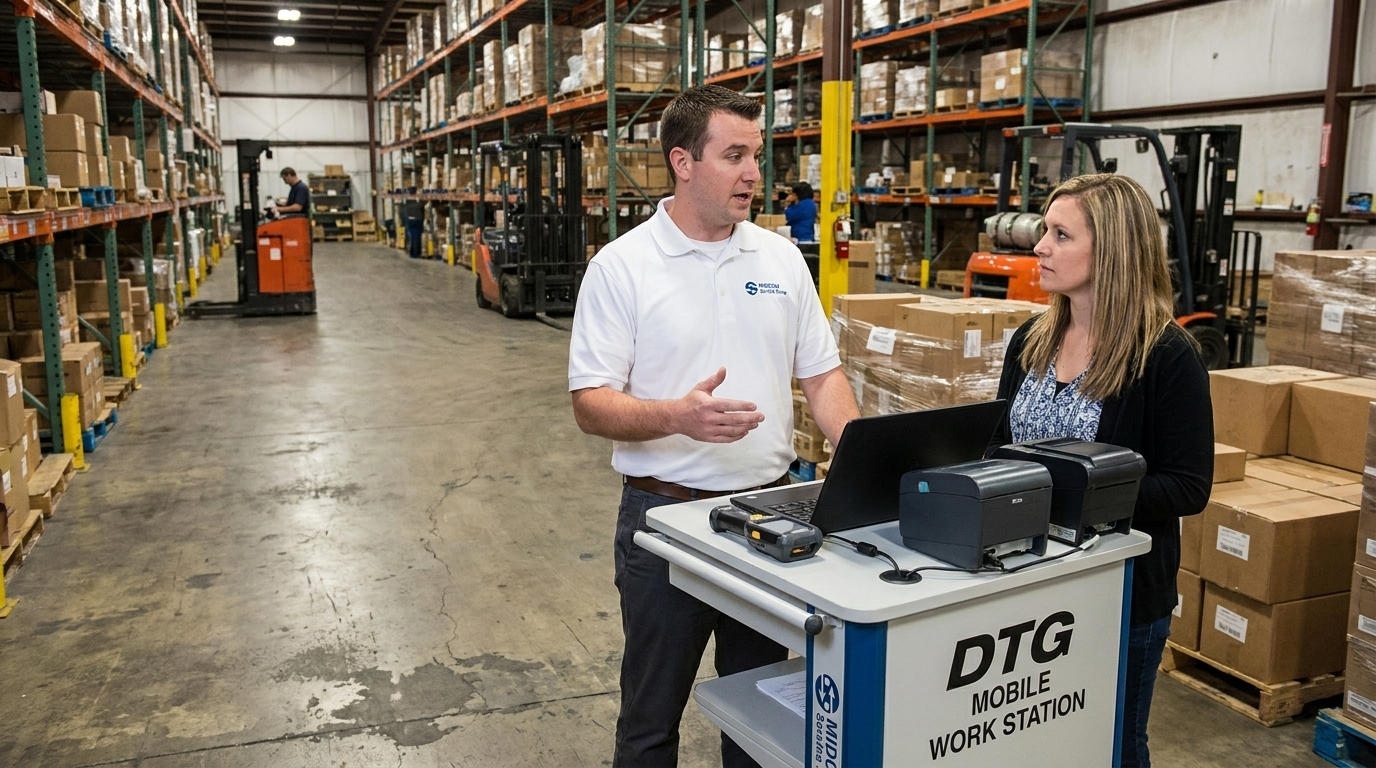
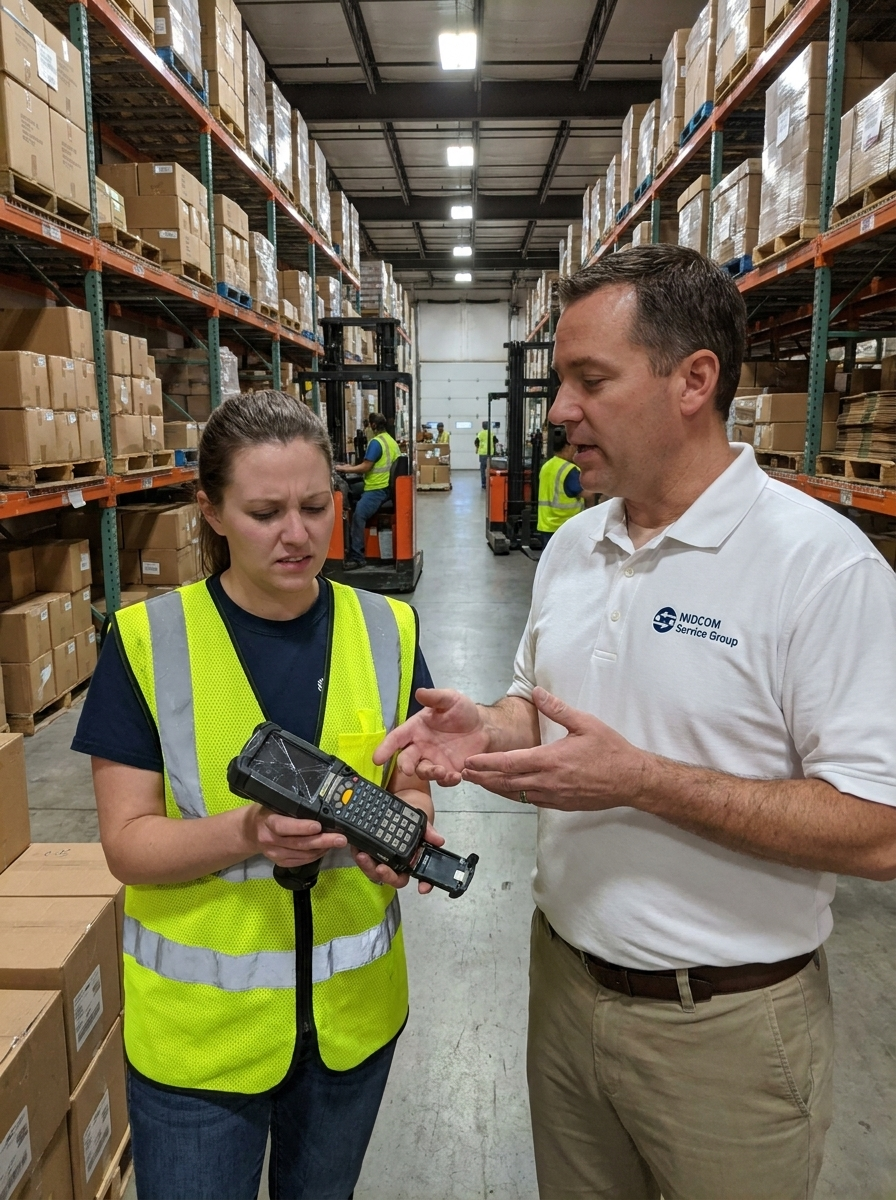
Every trip to a fixed printer is time not spent on the actual job. Mobile printers remove that trip. A picker, store associate or nurse prints the label or receipt right where they are.
ZQ600 Plus Series
The ZQ600 Plus is Zebra's most versatile mobile printer series and the next generation of the popular QLn platform. It was the industry's first mobile printer with Wi-Fi 6 (802.11ax), which gives workers faster and more dependable wireless connections. It also has one of the highest battery capacities in its class, so it lasts a full shift.
The series includes standard, healthcare and RFID models. The ZQ630 Plus is the best fit for 4-inch labels in warehouse and logistics work. The ZQ600 Plus-HC brings mobile printing to the point of care, which helps reduce errors in specimen collection.
ZQ300 Plus Series
The ZQ300 Plus is Zebra's compact, budget-friendly mobile printer. It's built to handle tough conditions, produce quality labels and receipts, and last a full shift, with remote management included. Retail is where it stands out: printing labels on the spot lets store associates finish markups, markdowns and shelf-label audits faster and more accurately.
Where mobile printers help most:
- Retail: price changes, shelf-label audits, queue busting and buy-online-pickup-in-store
- Warehousing: labeling at the point of pick, putaway and receiving
- Field service and direct store delivery: receipts, invoices and proof of delivery on the road
- Healthcare: specimen labeling at the bedside, which removes the walk back to a shared printer
The common thread: Print DNA
Zebra's newer printers have more than better hardware in common. They also share the Print DNA software suite, which lets IT teams roll out, secure and troubleshoot printers remotely, from anywhere. Tools like Printer Profile Manager Enterprise find and manage every networked printer across a site or multiple facilities, so no one has to walk the floor to locate and configure each one. For a business running dozens or hundreds of printers, that means faster rollouts, fewer support tickets and more uptime.
Don't overlook the supplies
A new printer only performs as well as the media you run through it. Zebra designs its Certified Supplies specifically for its printers. Matched labels and ribbon protect the printhead, cut down on jams and produce crisp barcodes that scan the first time. That matters most where an unreadable label can mean a rejected shipment or a compliance chargeback. Zebra builds its printers to work best with its own labels, tags and RFID media, which helps keep print quality consistent and lowers total cost of ownership.
Save on your first supplies with the Zebra ZipShip promotion
If a new Zebra printer is in your plans, MIDCOM Service Group's Zebra ZipShip promotion makes it easy to start with the right supplies at a lower price.
Through December 31, 2026, every new Zebra printer you buy from MIDCOM qualifies for:
- 20% off one box of eligible Zebra labels, tags or receipt paper
- 20% off one box of matching Zebra ribbon (thermal transfer models)
- No minimum order. The discount applies per printer, so multi-printer orders get a discounted set for each unit.
- Automatic savings on the same order, with no codes or mail-in rebates
- Overnight shipping available
Direct thermal printers get the label discount. Thermal transfer printers get both labels and ribbon. The promotion excludes the printer itself, services and accessories, card printer supplies, wristband clips, custom or made-to-order supplies, SOHO media and RFID hard tags. Product supply is subject to availability. If you need custom labels, MIDCOM can still quote competitive pricing.
Not sure whether an industrial, desktop or mobile printer is right for you? MIDCOM's team can match the right model to your application and usually responds the same business day. With 40 years of experience, onsite repair, express repair centers and service coverage plans, MIDCOM supports your printers long after the sale.
[Get your Zebra ZipShip quote before December 31 →]
Get A FAST Quote Now!
Sources
[Zebra — Industrial Printers](https://zebra.com/us/en/products/printers/industrial.html)
[Zebra — ZT400 Series RFID Spec Sheet](https://www.zebra.com/us/en/products/spec-sheets/printers/rfid/zt400-rfid-series.html)
[Zebra — ZT400 Series Printers Receive Upgrade](https://prod-www.zebra.com/us/en/blog/posts/2019/zebra-zt400-series-printers-receive-upgrade.html)
[Zebra — ZT600 Series Spec Sheet](https://www.zebra.com/content/dam/zebra_dam/en/spec-sheets/zt600-series-specification-sheet-en-us.pdf)
[Zebra — ZT600 Series RFID](https://zebra.com/gb/en/products/spec-sheets/printers/industrial/zt600-rfid.html)
[Zebra — Advanced Desktop Printers](https://www.zebra.com/us/en/products/printers/desktop/advanced-desktop-printers.html)
[Zebra — ZD421-HC Spec Sheet](https://www.zebra.com/us/en/products/spec-sheets/printers/desktop/zd421-healthcare-series.html)
[Zebra — ZD621](https://www.zebra.com/ap/en/products/printers/desktop/zd600-series/zd621.html)
[Zebra — ZQ600 Plus Series](https://www.zebra.com/zq600-plus-series)
[Zebra — ZQ300 Plus Series Spec Sheet](https://www.zebra.com/ap/en/products/spec-sheets/printers/mobile/zq300-series.html)
[Zebra — Print DNA](https://www.zebra.com/us/en/products/software/barcode-printers/print-dna.html)
[MIDCOM Service Group — Zebra ZipShip Promotion](https://www.midcomservicegroup.com/zebra-zipship-promotion)