
When Is It Time to Upgrade Your Barcoding Equipment? A Guide for Thermal Printers and Mobile Computers
barcoding equipment when to upgrade
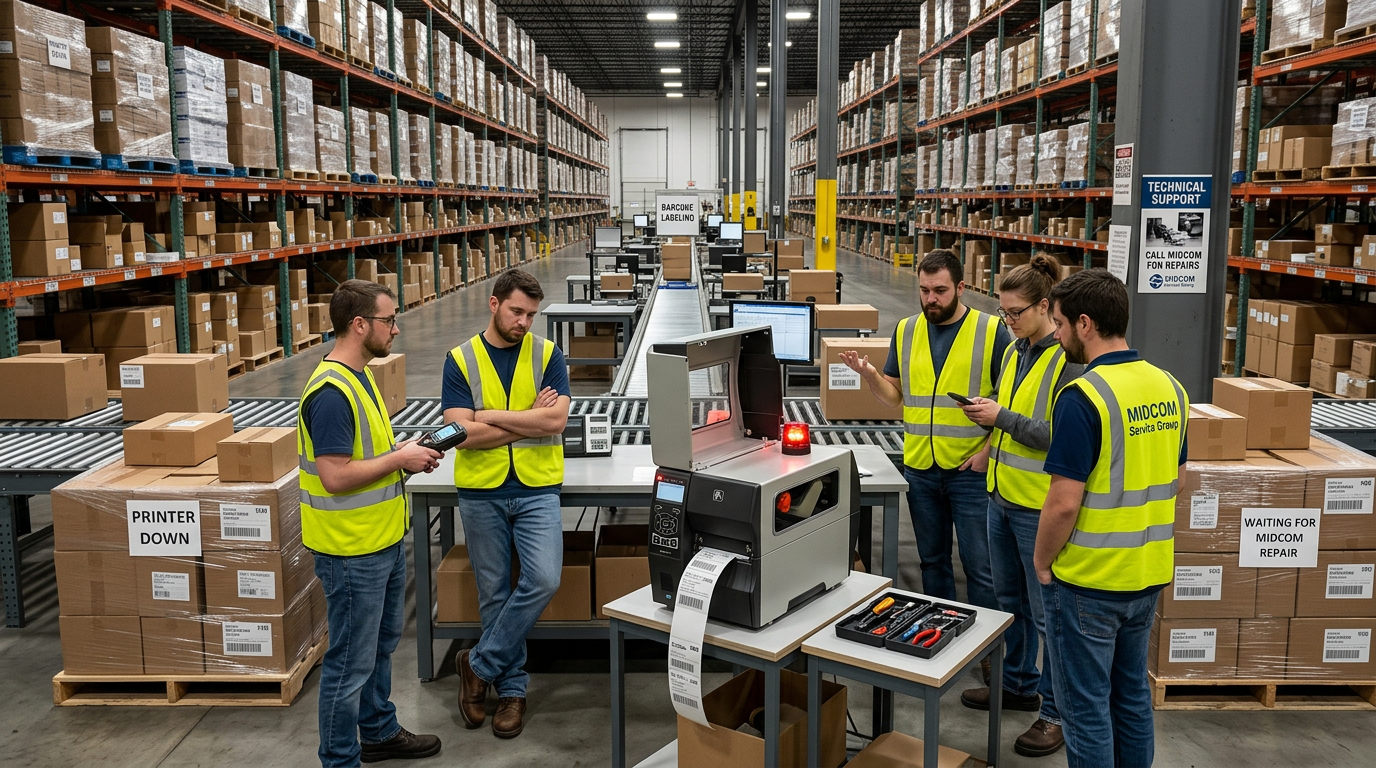
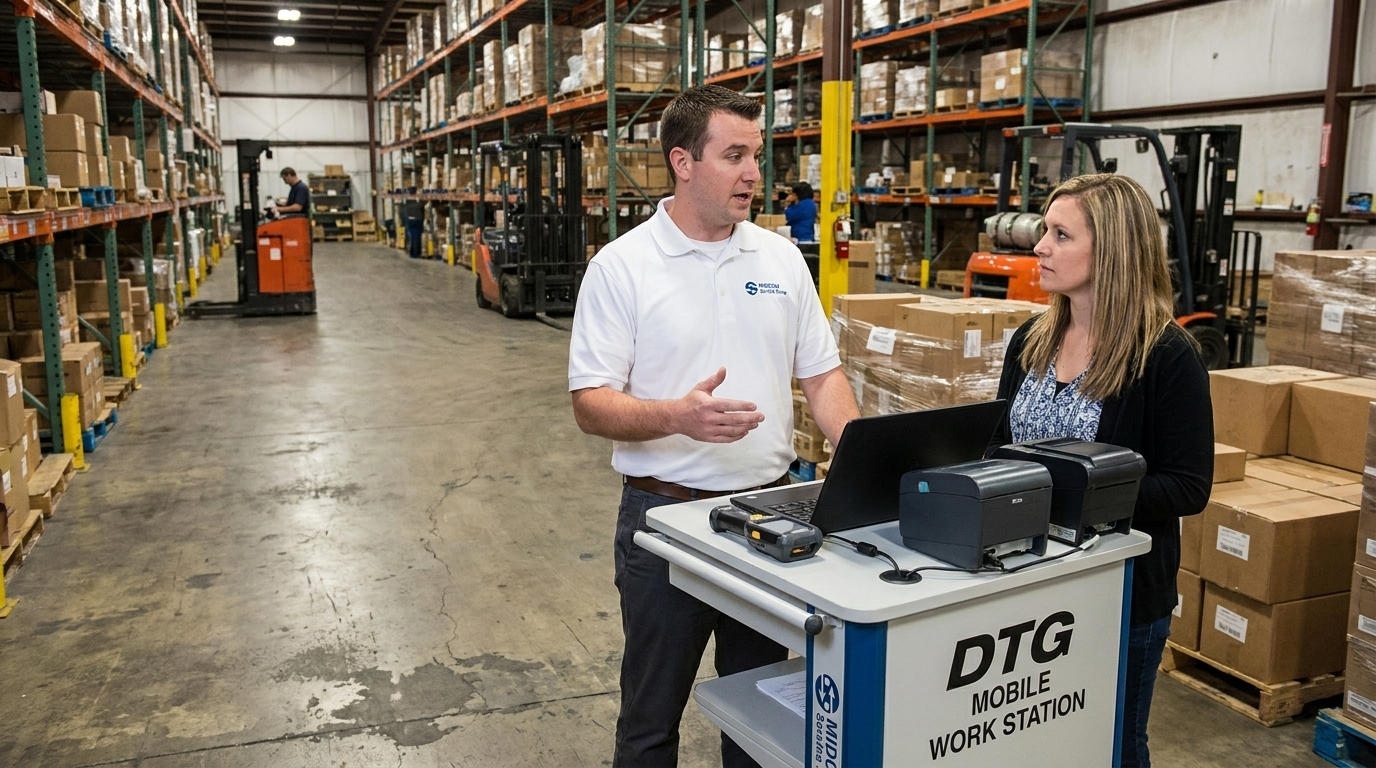
Barcoding equipment has a way of disappearing into the background. A Zebra ZT410 on the shipping line or a rack of handheld mobile computers in the receiving office can run for years without anyone thinking about them. That durability is exactly why they get bought, and it's also why they tend to stay in service long after they've stopped earning their keep.
The trouble is that aging barcode hardware rarely fails all at once. It degrades. Labels print a little lighter. A scanner takes three trigger pulls instead of one. A battery that used to last a full shift is dead by lunch. Each problem looks minor on its own, but together they add up to real cost in lost productivity, rework, compliance chargebacks and security exposure.
So how do you know when "keep it running" has turned into "time to replace it"? Here's a practical framework for both sides of your barcoding operation: the industrial thermal printers that create your labels and the handheld mobile computers that read them.
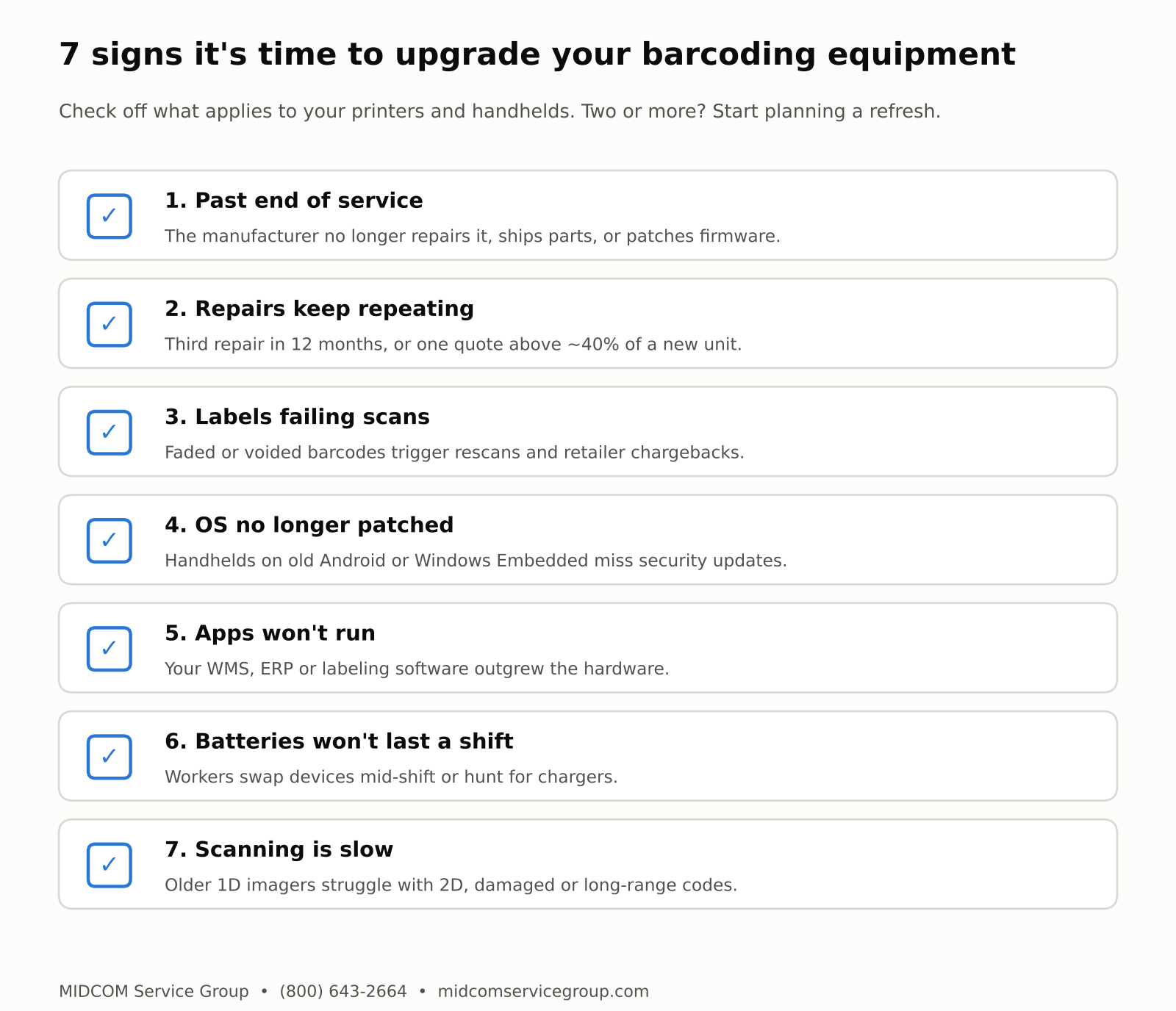
7 signs it's time to upgrade your barcoding equipment
Why the purchase price is the wrong number to focus on
When budgets are tight, the instinct is to compare the cost of a new printer or scanner against the cost of doing nothing. But "doing nothing" isn't free. It just moves the cost to places that don't show up on a purchase order.
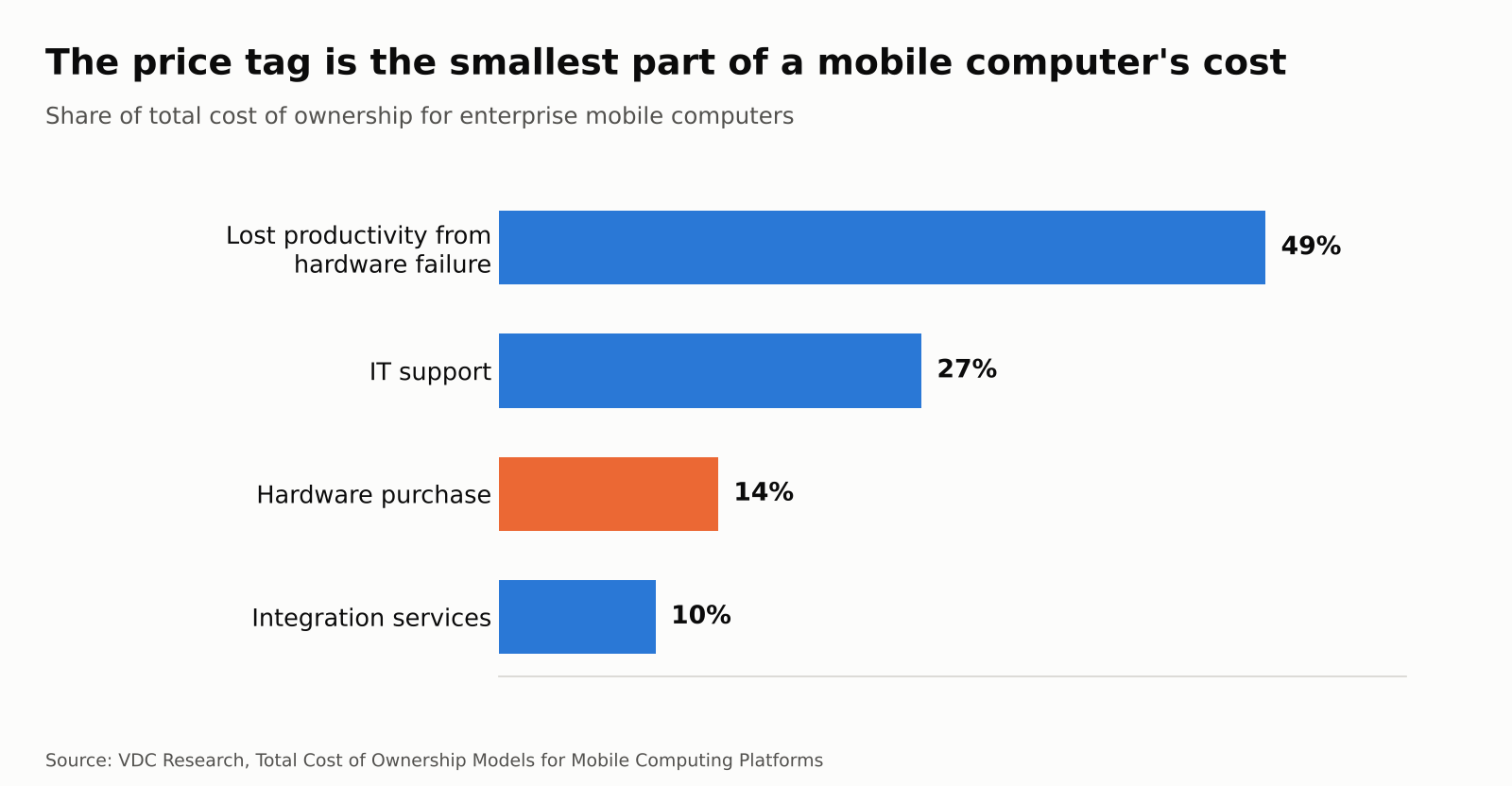
VDC Research's long-running total cost of ownership studies on enterprise mobile computers found that the hardware itself makes up only about 14% of what a device actually costs over its life. The largest share, about 49%, is lost worker productivity when devices fail, followed by IT support at 27%.
The price tag is the smallest part of a mobile computer's cost
VDC's research also found that failure rates climb as rugged devices age, and that every one-point increase in device failure rate pushes total cost of ownership up about 5%. More recent VDC data puts the cost of each failure at roughly 37 minutes of lost productivity plus 26 minutes of IT support time. Multiply that across a fleet of 50 or 100 handhelds and a few extra failures a month quickly becomes a five-figure problem.
The same logic applies to thermal printers. When an industrial printer goes down, every operator waiting on a label stops too. The longer you keep running aging equipment, the more of your real cost moves into downtime, which is the hardest part to see.
Part 1: Signs your industrial thermal label printers need replacing
1. The model has reached end of service
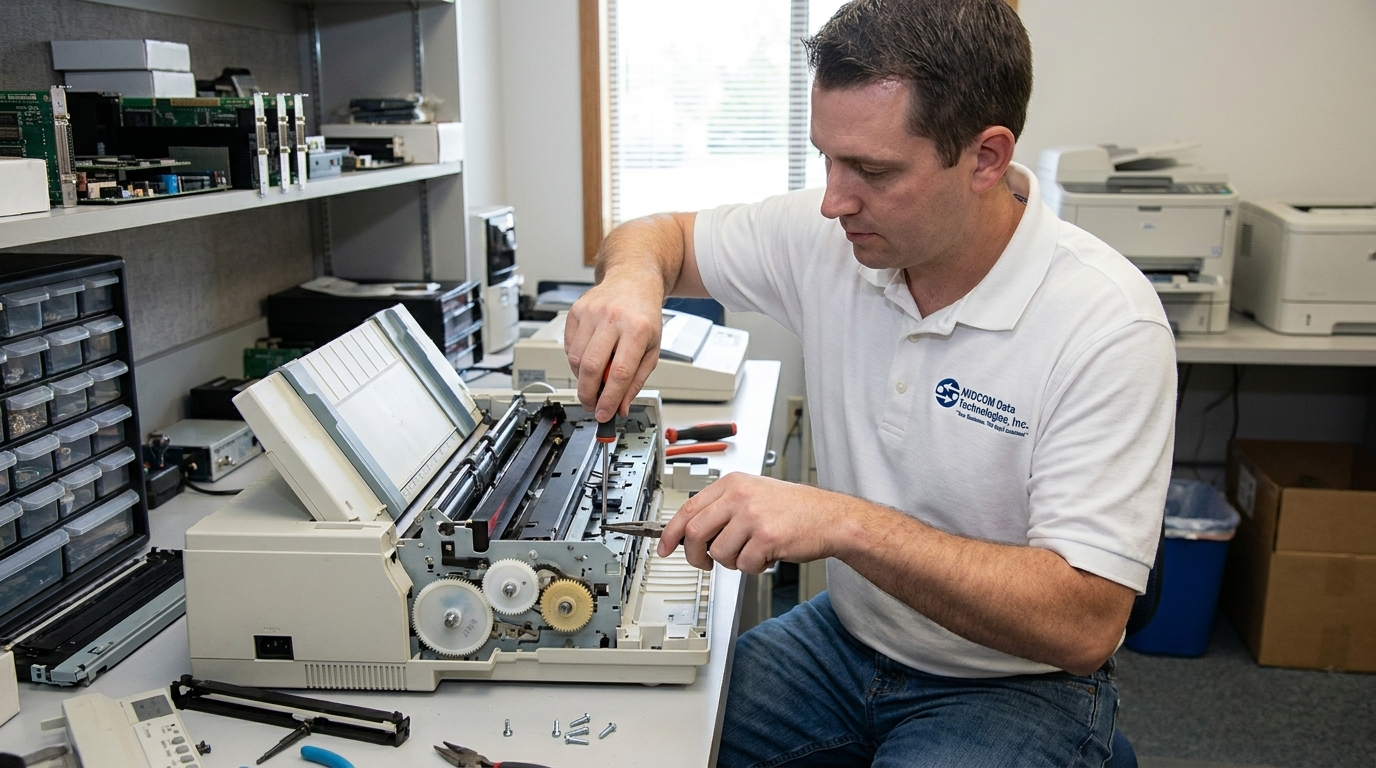
This is the clearest signal, and for many facilities it has already happened. Manufacturers typically sell a printer model for several years, then support it for a few more before they formally discontinue service. After that date, the manufacturer stops repairs, stops selling unique spare parts and stops releasing firmware and security updates.
Several of the most widely deployed Zebra printers in North American warehouses have already crossed that line, and more are close behind:
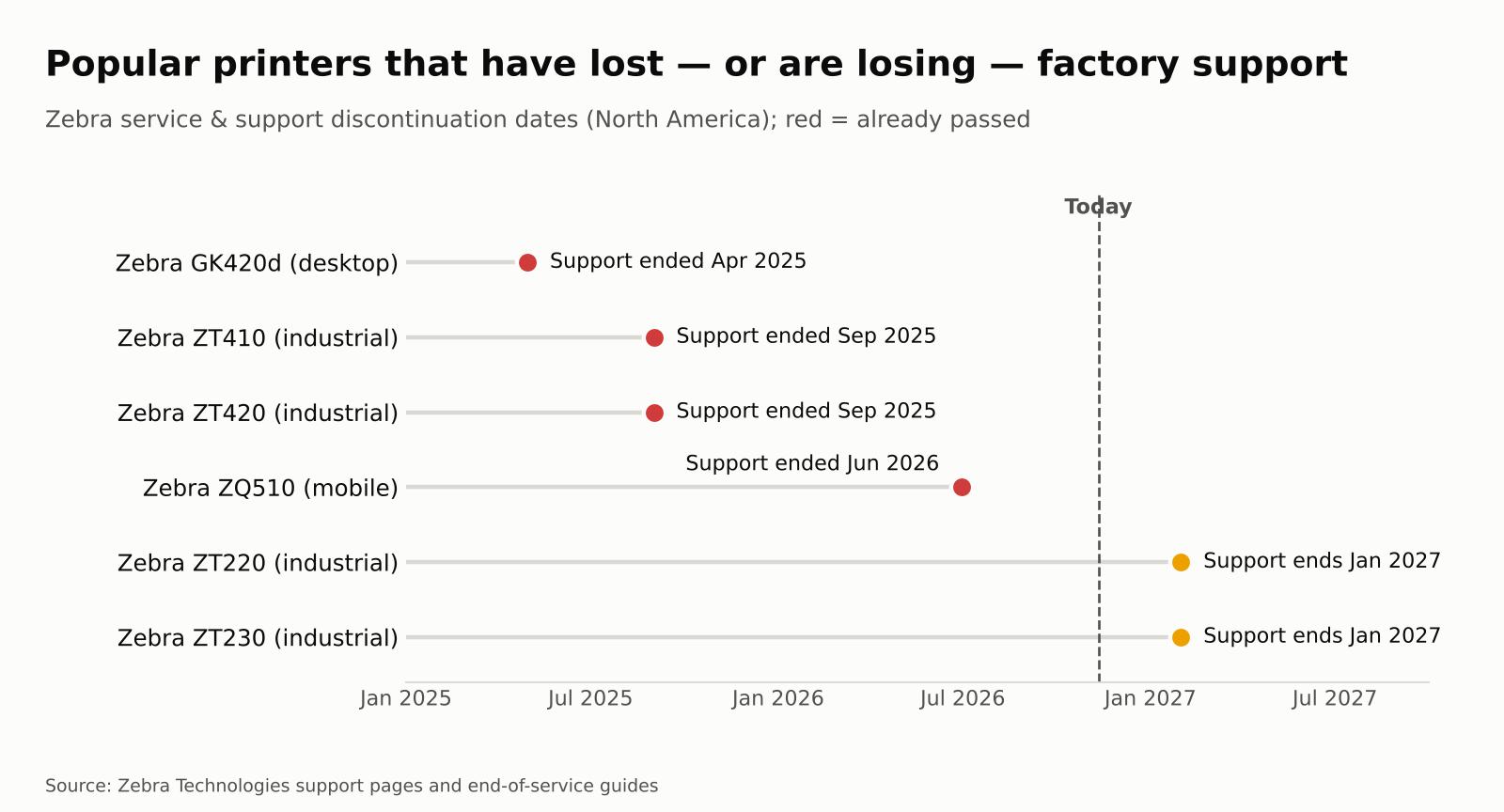
Popular printers that have lost or are losing factory support
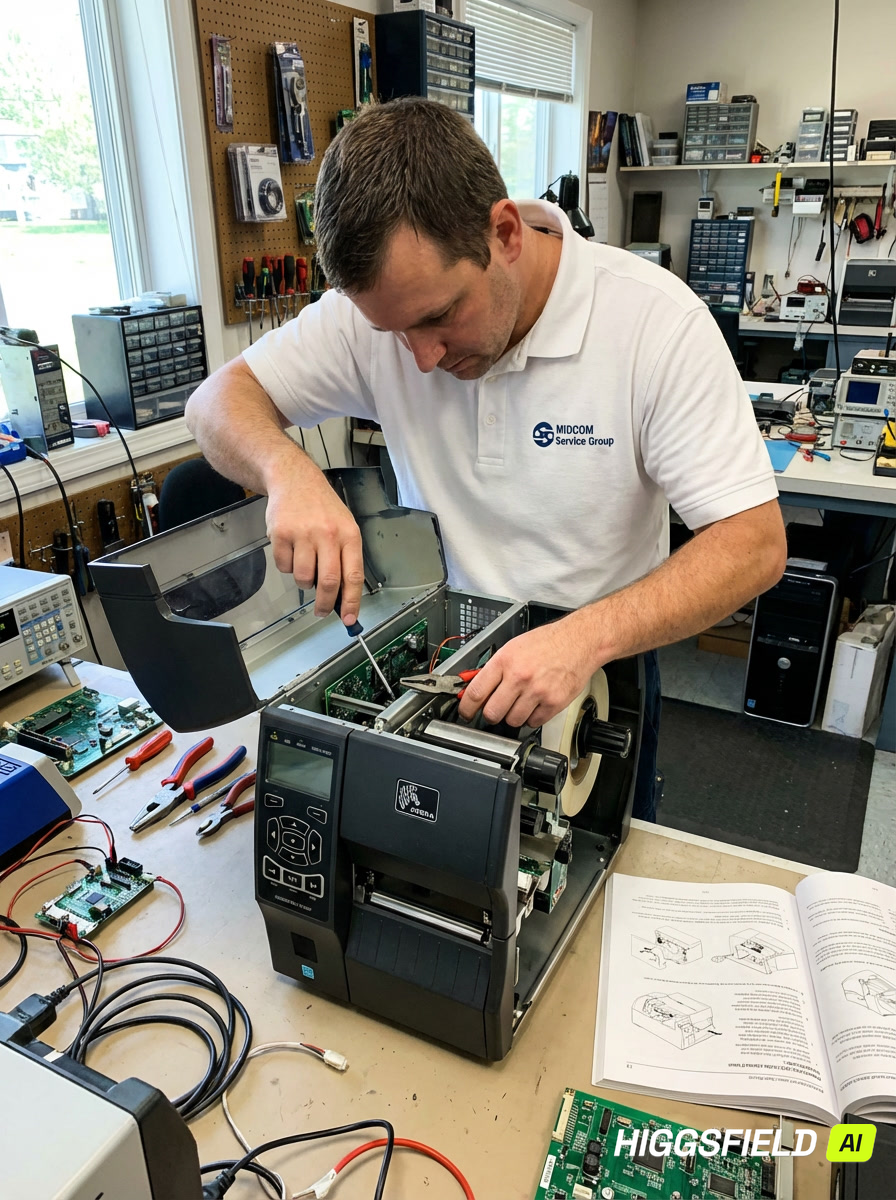
The ZT410 and ZT420, longtime workhorses of distribution centers, reached their service and support discontinuation date on September 1, 2025. The ZT220 and ZT230 follow on January 31, 2027, which is less than three months away. If those models are still on your floor, every repair from here on depends on dwindling parts inventory and third-party expertise.
2. Repairs are becoming routine
One printhead replacement on a three-year-old printer is normal maintenance. A third repair on the same unit within 12 months is a pattern. A good rule of thumb: when a printer is more than five years old, has needed multiple repairs in a year, or a single repair quote exceeds about 40% of the cost of a new unit, replacement usually wins on total cost.
3. Label quality is slipping
Worn printheads and platen rollers don't always cause a printer to stop. Often they just cause it to print worse, with voids in the barcode, faded bars or misregistered labels. A barcode that scans fine on your dock can still fail at a customer's receiving door. Retail compliance programs can charge back a meaningful share of a shipment's value for unreadable labels, so a "working" printer with a tired printhead can be one of the most expensive assets in the building.
4. It can't keep up with your volume or requirements
Older printers may lack the print speed, resolution, connectivity or RFID encoding your operation now needs. Current models such as the Zebra ZT411 and ZT421 print at up to 12 inches per second with faster processors for complex graphics, and add modern network management and security. If you're adding RFID, moving to 300 dpi for small labels, or integrating with a new WMS, older units often become the bottleneck.
Part 2: Signs your handheld mobile computers and barcode scanners need replacing
1. The operating system no longer gets security patches
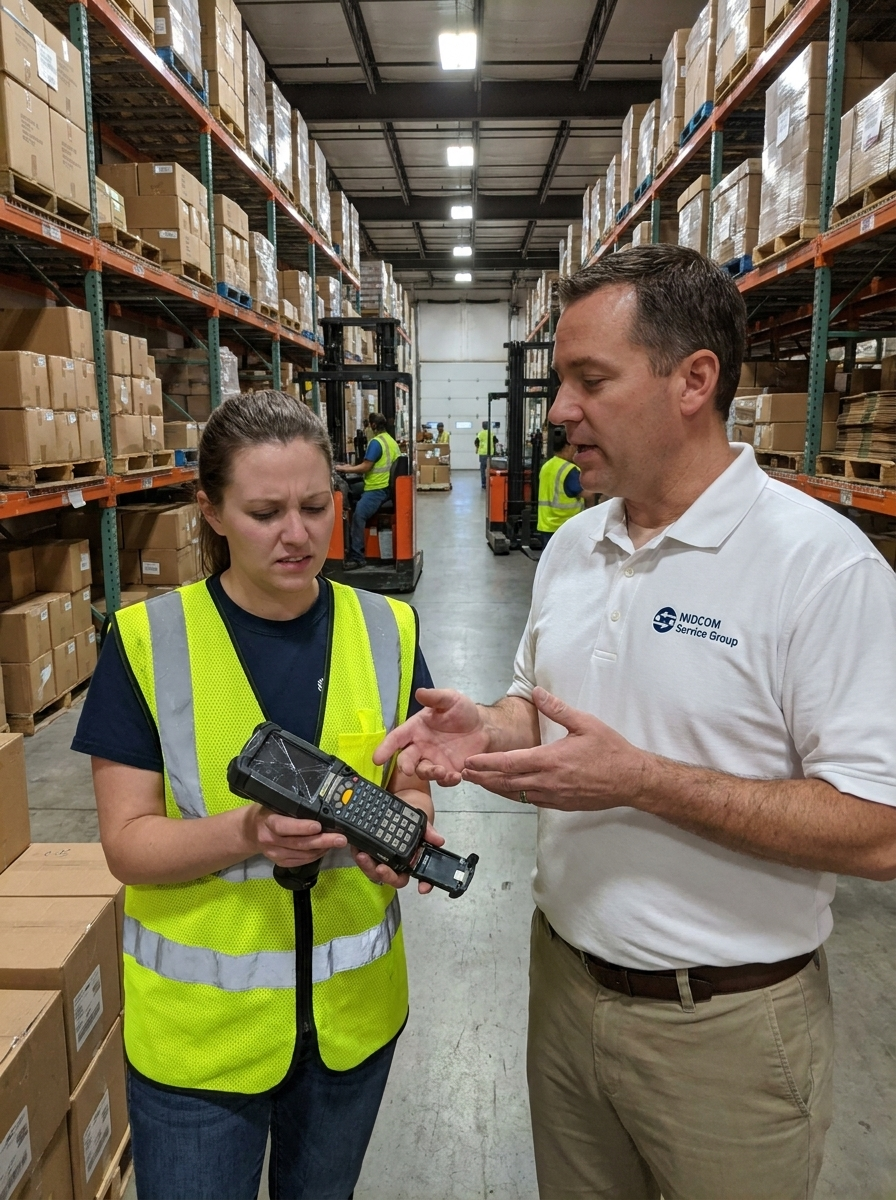
This is the biggest risk for handheld mobile computers, and the one most often overlooked. Standard Android security updates typically end about three years after a device version launches. Rugged enterprise handhelds, meanwhile, are expected to stay in service for five years or more.
The security gap on aging handhelds
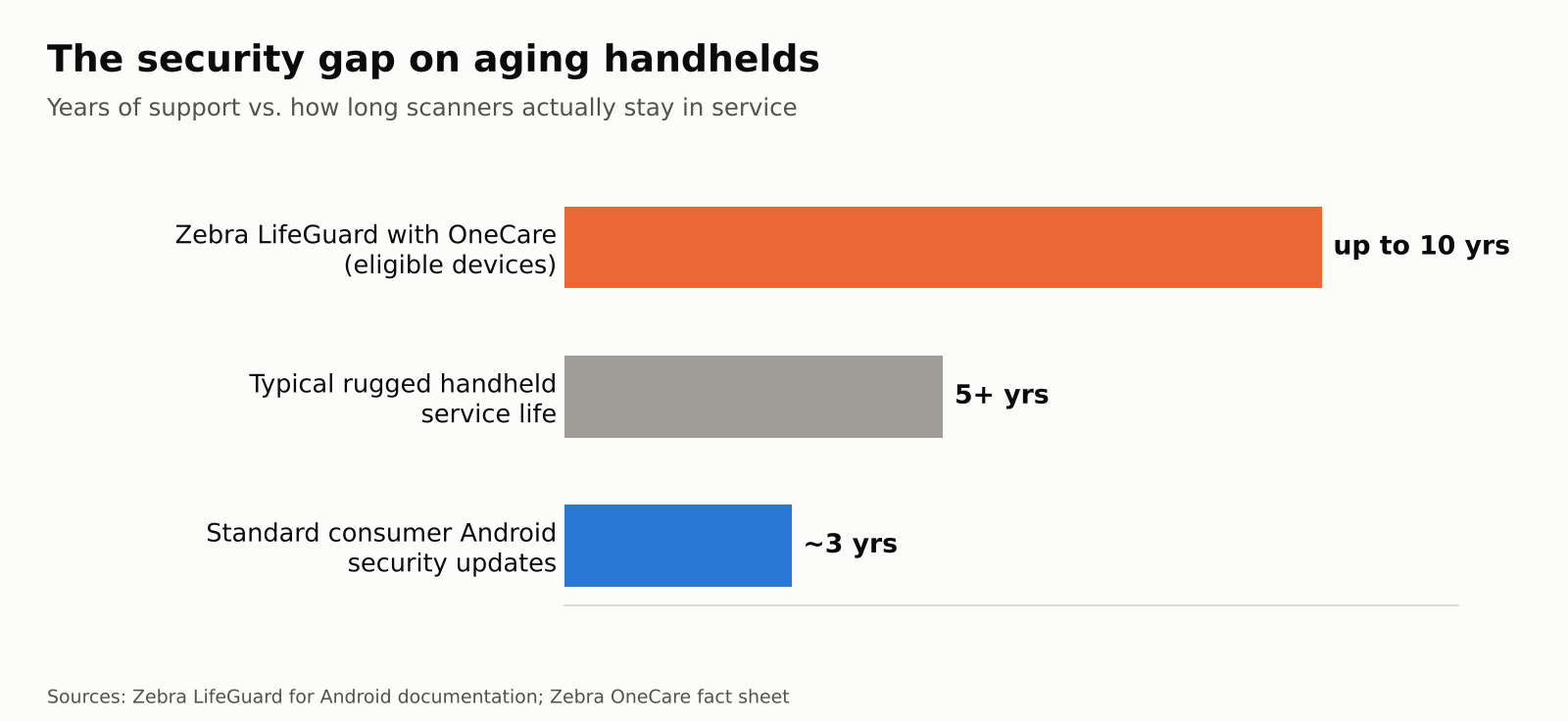
Zebra's LifeGuard for Android program closes much of that gap for eligible devices covered under a Zebra OneCare contract, extending security updates for up to 10 years. But devices that fall outside LifeGuard, older non-Zebra devices, and anything still running a legacy Windows Embedded or Windows CE operating system are sitting on your network without current patches. Every one of them is a potential entry point.
2. Your software has outgrown the hardware
Modern warehouse management, ERP and point-of-sale apps expect more memory, faster processors and current Android versions than devices from five or more years ago can provide. If your IT team is maintaining a separate legacy app version just to support old handhelds, or users are waiting on a spinning screen between scans, the hardware is holding the workflow back.
3. Batteries won't make it through a shift
Lithium-ion batteries lose capacity with every charge cycle. When workers are swapping devices mid-shift, hunting for chargers or hoarding "the good ones," you're losing productivity every day. Replacement batteries can help for a while, but on older models they become harder to source and may not restore full performance.
4. Scanning is slow or unreliable
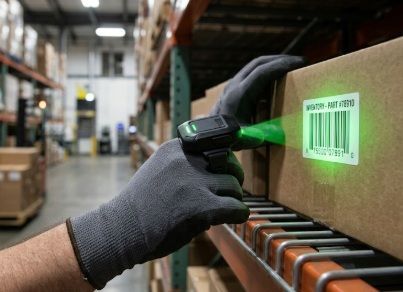
Scan engines have improved dramatically. Older 1D laser scanners struggle with 2D codes, damaged labels, codes on curved or reflective surfaces, and long-range scanning up to high racking. Modern imagers read nearly any barcode on the first pull from inches to many feet away. If your team is repeatedly re-scanning or keying in numbers by hand, the cost shows up in both speed and accuracy.
5. Failure and repair rates are climbing
Track your repair tickets by device age. If older units are coming back for repair far more often than newer ones, and the spare pool keeps growing to cover the gap, you're paying for the same devices twice: once in repair costs and again in the extra inventory needed to keep people working.
How to plan an upgrade without disrupting operations
Replacing barcoding equipment doesn't have to be an all-at-once project. A phased approach usually works best:
- Audit your fleet. List every printer and handheld by model, age, OS version and repair history. Flag anything past or approaching end of service.
- Prioritize by risk. Start with devices that are out of support, failing compliance scans or running unpatched operating systems.
- Standardize where you can. Fewer models means simpler training, shared accessories and spare parts, and easier device management.
- Use trade-in and refresh programs. Manufacturer trade-in programs and refurbished options can offset a large share of the upfront cost.
- Protect the new investment. Pair new devices with a service contract so repairs, firmware updates and security patches are covered from day one.
The bottom line
Barcoding equipment is built to last, but "still turns on" isn't the same as "still worth running." When your printers are past end of service, your handhelds are missing security updates, or repair tickets and rescans are becoming part of the daily routine, the math has almost always shifted in favor of upgrading.
MIDCOM Service Group has been helping warehouses, manufacturers and distributors keep their barcoding operations running for 40 years, with certified technicians, overnight shipping and the full lineup from Zebra, Honeywell, SATO, TSC and Printronix Auto ID.
Ready to replace aging label printers?
Shop current industrial thermal printers, including the Zebra ZT411, ZT421 and ZT620, Honeywell PX and PM series, SATO CL NX Plus and TSC MH series, with manufacturer warranty and overnight shipping.
Shop Industrial Thermal Printers →
Time to refresh your handheld scanners?
Explore the newest mobile computers and barcode scanners from Zebra, Honeywell and ProGlove, plus rental and refurbished options to fit any budget.
Explore Barcode Scanners & Mobile Computers →
Not sure which models fit your operation? Talk to a specialist at (800) 643-2664.
Get A FAST Quote Now!
Sources
- VDC Research / Zebra: OS Migration white paper (device failure and TCO)
- Barcodes Inc: Honest TCO, citing VDC Research cost breakdown
- Dell: Rugged Devices, Real Impact (VDC Research 2025 failure data)
- Zebra: ZT420 support and discontinuation dates
- Label Zone: Zebra printer end-of-life dates and replacement models
- Imprint Enterprises: Replacing end-of-life Zebra printers
- Zebra: Mobile Computing Security white paper (LifeGuard)
- ScanSource: LifeGuard for Android overview
- MIDCOM Service Group: Thermal Industrial Printers
- MIDCOM Service Group: Barcode Scanners & Mobile Computers