
Why is my warehouse barcode scanner not working?
warehouse barcode scanner not working?
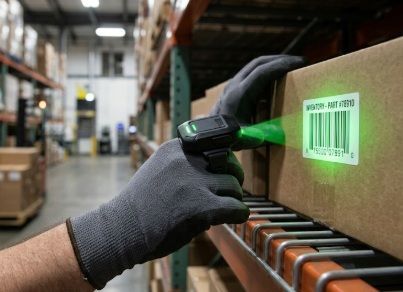
Barcode scanners play a critical role in modern warehouse operations because they dramatically improve speed, accuracy, and overall efficiency. Without them, most warehouses would struggle to keep up with the demands of inventory management and order fulfillment.
First, barcode scanners reduce human error. Manually entering product codes or quantities can easily lead to mistakes, especially in fast-paced environments. Scanning a barcode ensures the correct item is identified instantly, which helps prevent shipping errors, inventory mismatches, and costly returns.
They also increase efficiency and productivity. Instead of writing down or typing in item details, workers can scan products in seconds. This speeds up key processes like receiving shipments, picking orders, packing, and stock counting. As a result, warehouses can handle higher volumes of goods with fewer delays.
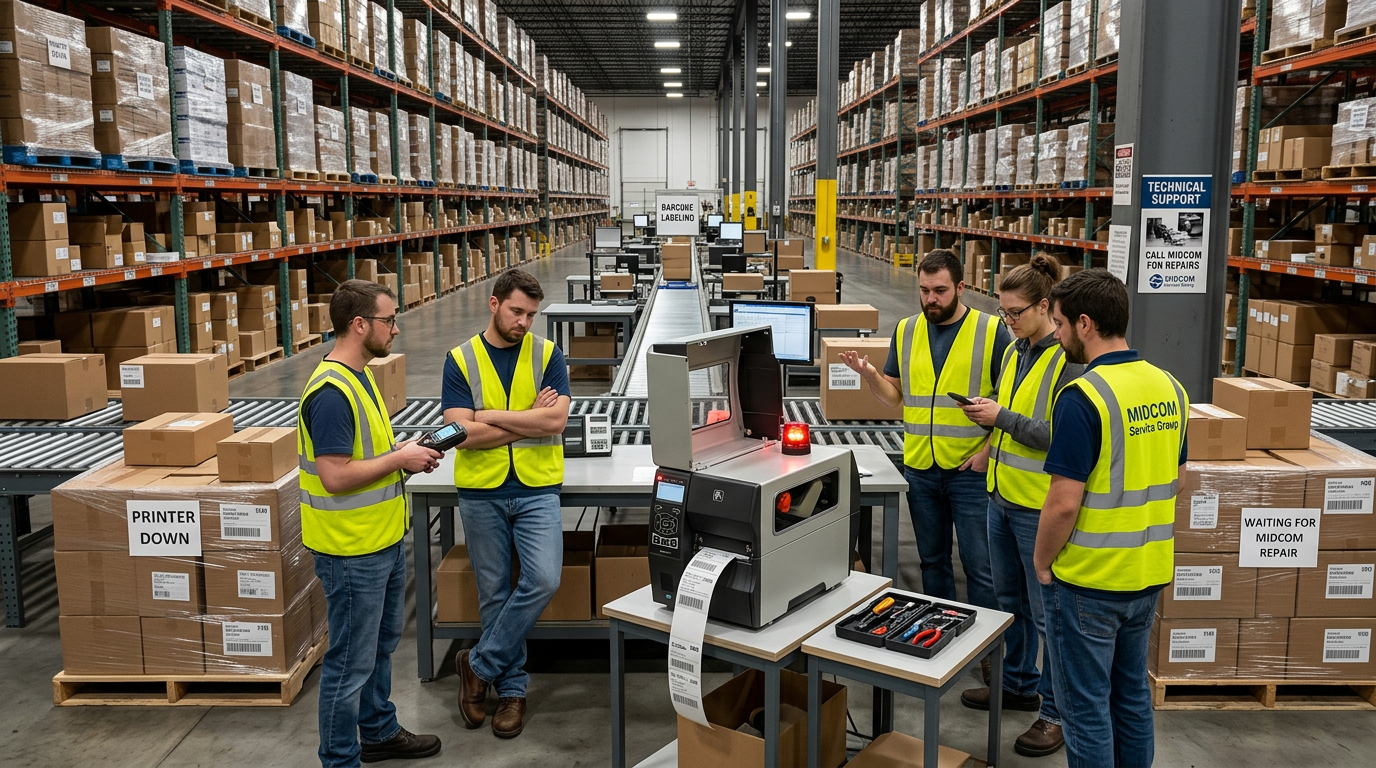
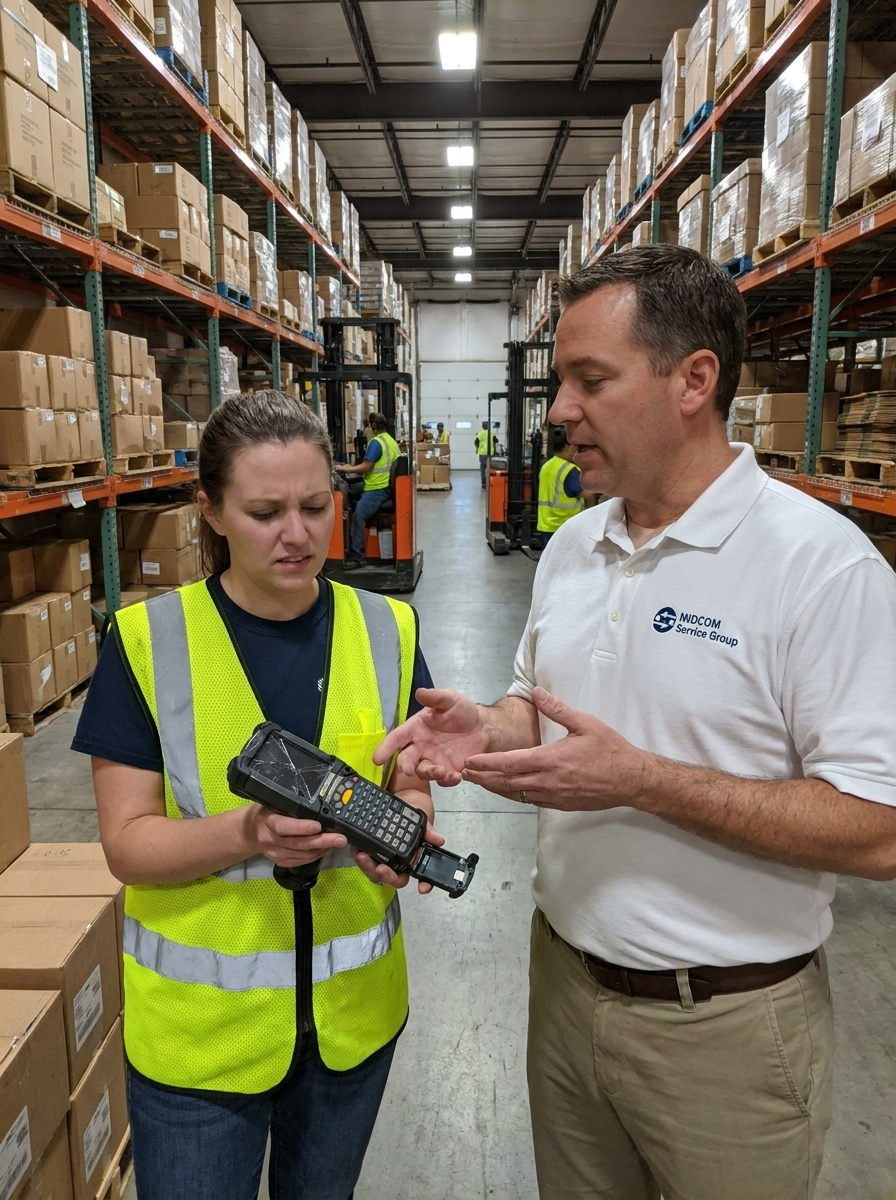
So if your warehouse barcode scanner isn't working, it can greatly disrupt your warehouse operations. Here is what you can do.

A warehouse barcode scanner can stop working for a bunch of reasons—some simple, some more technical. Here’s a clear way to narrow it down quickly:
1. Power / Battery Issues
- Dead or weak battery (very common for handheld scanners)
- Not seated properly in charging dock
👉 Try charging it fully or swapping batteries if possible.
2. Connection Problems
Depends on how your scanner connects:
Wireless (Bluetooth / RF):
- Lost pairing with computer or tablet
- Interference or out-of-range
👉 Re-pair the device or move closer to the receiver.
Wired (USB):
- Loose or damaged cable
- USB port not working
👉 Try a different port or cable.
3. Configuration / Software Issues
- Scanner may be in the wrong mode (USB HID vs serial)
- Not configured for your warehouse system
- Missing drivers or software glitch
👉 Restart the device and computer, or re-scan the setup/config barcodes from the manual.
4. Barcode Issues
- Damaged, dirty, or poorly printed barcode
- Wrong barcode type (scanner not enabled for that format)
👉 Test with a known good barcode.
5. Scanner Hardware Problems
- Dirty or scratched lens
- Internal damage from drops
👉 Clean the lens gently with a microfiber cloth.
6. Feedback Clues
Pay attention to:
- No beep/light → likely power issue
- Beep but no data appears → connection/software issue
- Flashing error lights → configuration or hardware problem.
7. System-Side Issues
- Warehouse software not accepting input
- Cursor not in the correct field
👉 Try scanning into a simple text editor (like Notepad) to see if it outputs anything.
Quick Test Checklist
- Charge it
- Restart everything
- Try a different barcode
- Test in Notepad
- Reconnect / re-pair
There are many factors to consider about a warehouse barcode scanner that isn't working. Consider the scanner brand and model, is it wired or wireless, what exactly happens when you scan, etc.
Get a quote for repair now
click here >>
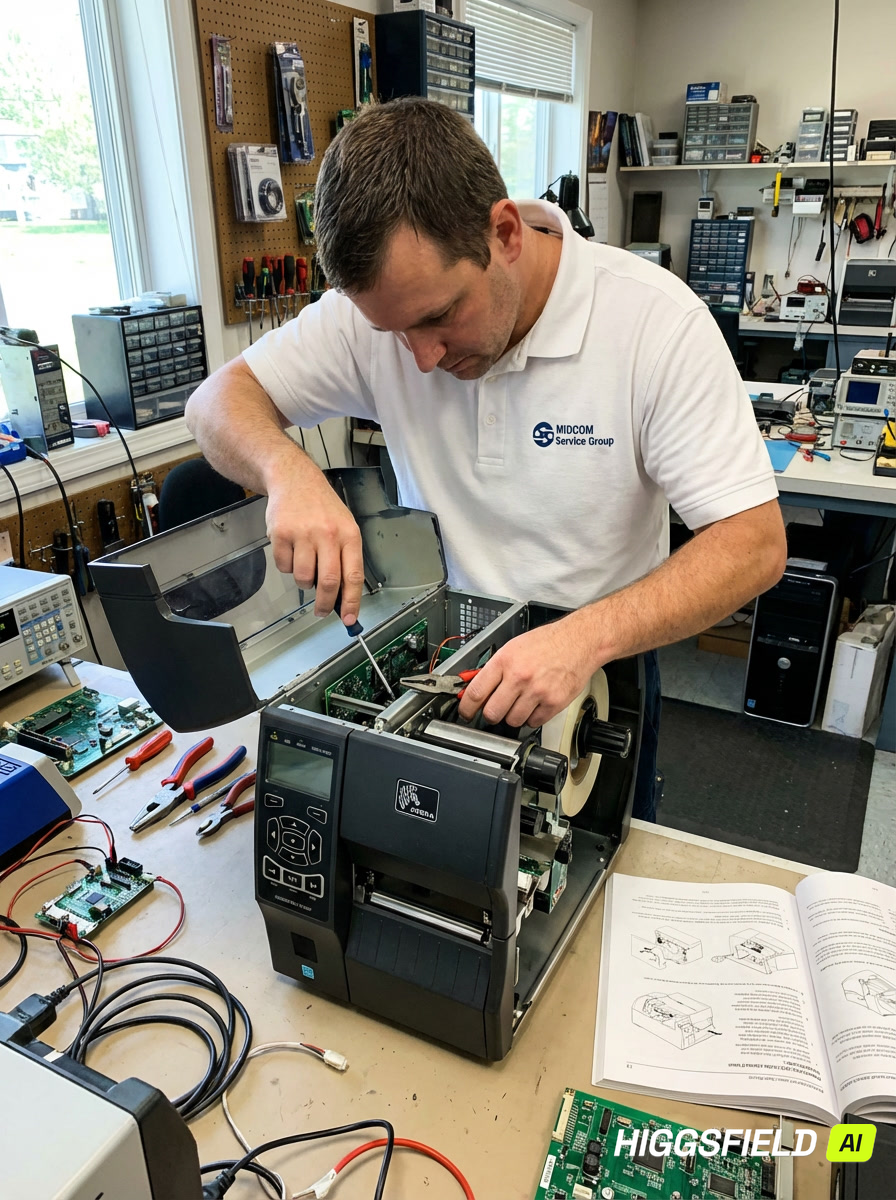
MIDCOM has been helping companies with warehouse barcoding solutions since 1982. Talk to one of our Specialists about smartphone mobile devices, thermal barcode label printers, mobile barcode scanning devices, software or mobile workstations today. Call now (877) 948-2005.
EXPRESS Barcode Scnner Repair