
How Laser Printer Problems Quietly Wreck Your Business Day
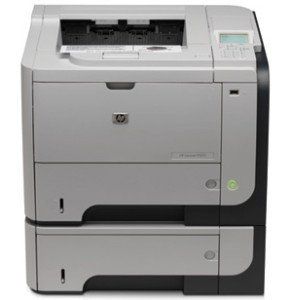
laser printer problems
Most companies don't think about their printers until the moment one stops working. Then, suddenly, it's the only thing anyone can think about. The invoice that won't go out. The shipping label that won't print. The contract that needs a signature but can't be printed for review. A single malfunctioning laser printer can bring an entire department — sometimes an entire office — to a standstill.
It sounds like a small thing. It isn't. Laser printers are woven into the daily rhythm of business operations in ways that only become obvious when they fail. Understanding the most common laser printer issues, and what they actually cost your business, is the first step toward keeping downtime from eating into your bottom line.
Why Laser Printers Break Down More Often Than You'd Expect
Laser printers are mechanically complex machines. Between the fuser assembly, drum unit, toner cartridge, rollers, and internal electronics, there are dozens of components that have to work in precise coordination every time someone hits "print." Add in daily wear, dust, paper debris, and the sheer volume of pages many offices push through each month, and it's no surprise that laser printers are one of the most failure-prone pieces of office equipment.
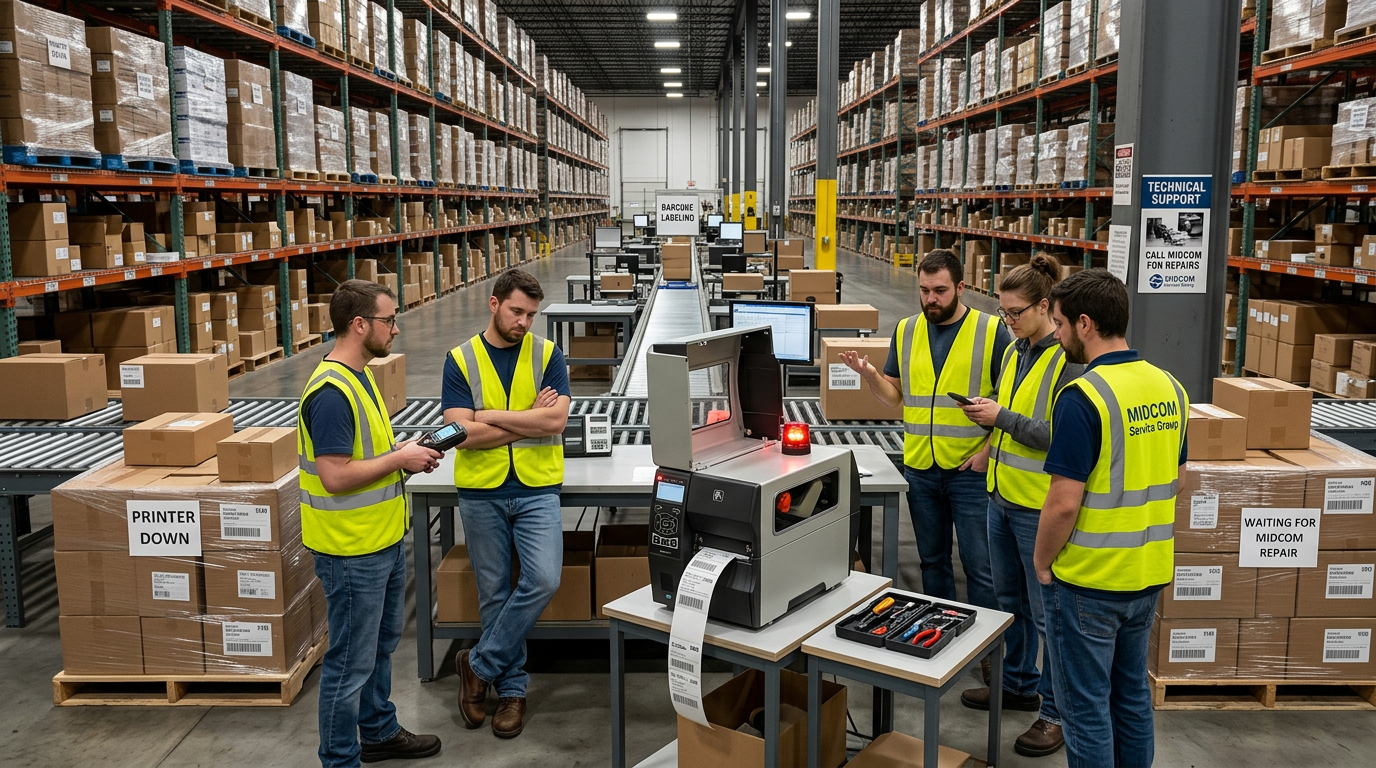
Unlike a laptop or a phone, a printer is a shared resource. When one employee's monitor glitches, it affects one person. When the printer in the shipping department goes down, it can stall an entire fulfillment process — orders don't ship, packing slips don't print, and customers start asking where their deliveries are.
The Most Common Laser Printer Problems
1. Paper Jams and Feed Issues
This is the most familiar laser printer complaint, and also one of the most disruptive when it happens repeatedly. Worn feed rollers, humidity affecting paper, or a buildup of dust and toner residue inside the paper path can all cause chronic jamming. One jam is an annoyance. Jams that happen multiple times a day are a productivity drain, with employees pulled away from their actual jobs to troubleshoot a machine that should just work.
2. Print Quality Problems
Faded text, streaking, ghosting images, or toner smudging across the page are usually signs of a failing drum unit, a low or defective toner cartridge, or a dirty fuser. For businesses that print client-facing documents, invoices, or labels, poor print quality isn't just cosmetic — it can mean unreadable barcodes, rejected shipments, or documents that look unprofessional going out the door.
3. Printer Won't Power On or Print at All
Sometimes a printer simply goes dark, or it powers on but refuses to accept print jobs. This can stem from an internal electrical fault, a failed power supply, or firmware and driver conflicts. Whatever the cause, a dead printer means whatever workflow depended on it stops immediately, with no workaround beyond manual processes or driving to another location.
4. Persistent Error Codes
Modern laser printers are packed with sensors that flag everything from low toner to fuser temperature issues. When those codes keep reappearing after a reset, it usually points to a deeper hardware problem — not something that a factory restart or a call to customer support scripts is going to fix.
5. Printer Stops Mid-Job
Few things are more frustrating than a print job that starts fine and then halts a few pages in, over and over. This intermittent failure pattern often points to overheating components, an internal paper path obstruction, or aging parts that are close to failing outright. It's also one of the hardest issues to diagnose without hands-on service, since the printer may look completely normal in between failures.
6. Out-of-Warranty Equipment With No Support Path
Once a printer's manufacturer warranty expires, many businesses find themselves stuck. The manufacturer support line may be difficult to reach, and finding a local technician who can respond quickly — and who actually knows the equipment — is not always straightforward. This leaves aging but still-valuable equipment sitting unused simply because there's no clear path to getting it fixed.
The Real Cost of Printer Downtime
It's easy to underestimate how much a broken printer actually costs a business, mostly because the costs are spread out and indirect. But add them up, and the picture becomes clear:

Lost employee productivity. Staff members who would normally be handling orders, printing labels, or processing paperwork are instead waiting on a fix, improvising workarounds, or driving to a print shop.

Delayed shipments and orders. In warehouses and distribution centers, a downed label or line printer can halt outbound shipments entirely, delaying orders and frustrating customers.

Missed deadlines. Contracts, compliance documents, and time-sensitive paperwork often need to be physically printed and signed. A printer outage at the wrong moment can push back deadlines that matter.

Reputational risk. Illegible labels, smudged invoices, or delayed customer communications reflect poorly on a business, even when the root cause is a mechanical failure that has nothing to do with service quality.
Industry estimates commonly put the cost of printer downtime somewhere between $300 and $1,000 or more per hour in lost productivity, depending on the size of the operation and how central printing is to daily workflows. For a distribution center running multiple label printers around the clock, that number can climb quickly.
Why "Just Order a New One" Isn't Always the Answer
When a printer breaks down, the instinct is often to consider replacing it. But that's rarely the fastest or most cost-effective fix. New equipment takes time to source, configure, and integrate into existing workflows. Software and driver compatibility issues can create their own delays. And in many cases, the underlying problem — a worn roller, a failing fuser, a firmware glitch — is a routine repair, not a reason to replace a perfectly good machine.
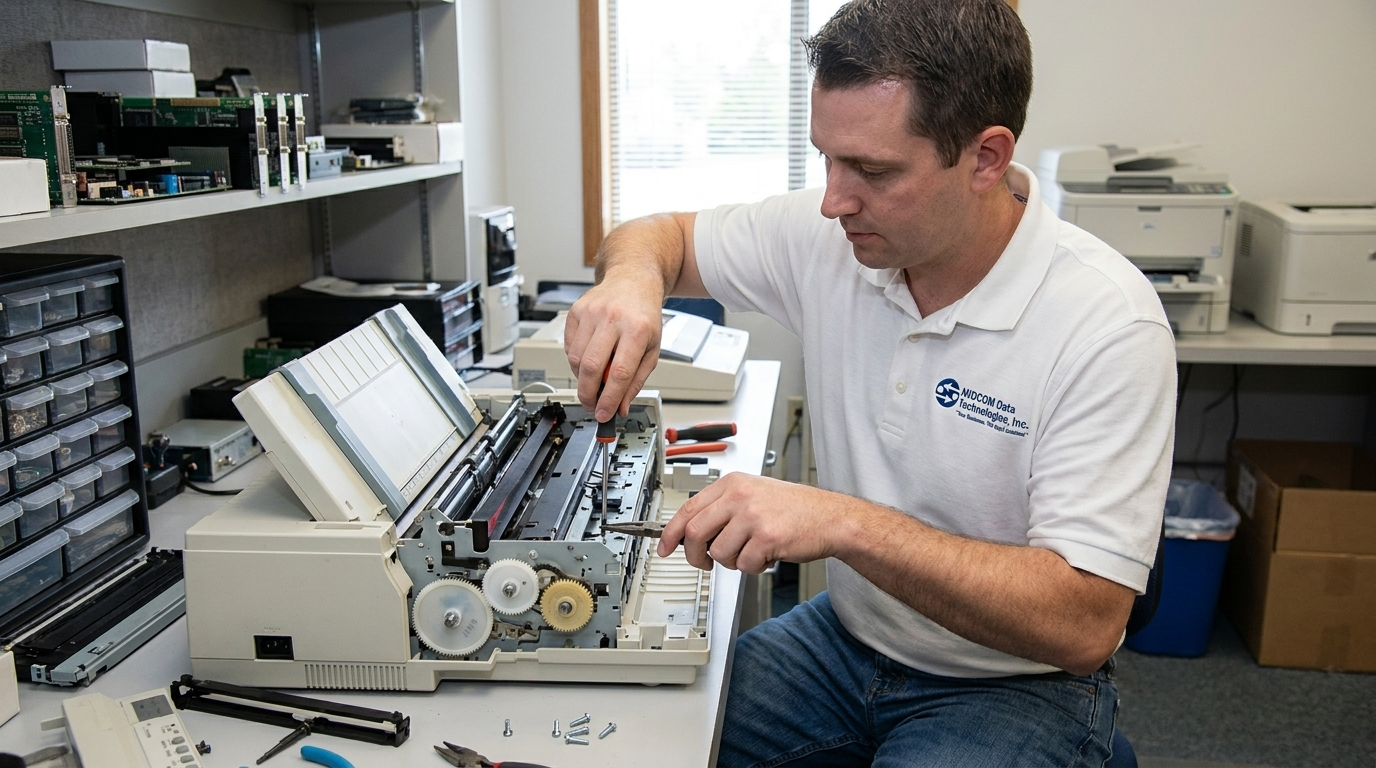
The better first move is diagnosis. A trained technician can often identify the specific failing component and repair it, restoring the printer to full function without the cost, downtime, or hassle of a full replacement.
Preventing Printer Downtime Before It Starts
While some equipment failures are unavoidable, many of the most disruptive printer problems are preventable with routine maintenance:

Regular cleaning of internal components to prevent dust and toner buildup

Timely replacement of wear parts like rollers and fusers before they fail completely

Monitoring print volume and machine age to anticipate when components are nearing the end of their service life

Keeping firmware and drivers updated to avoid compatibility-related errors
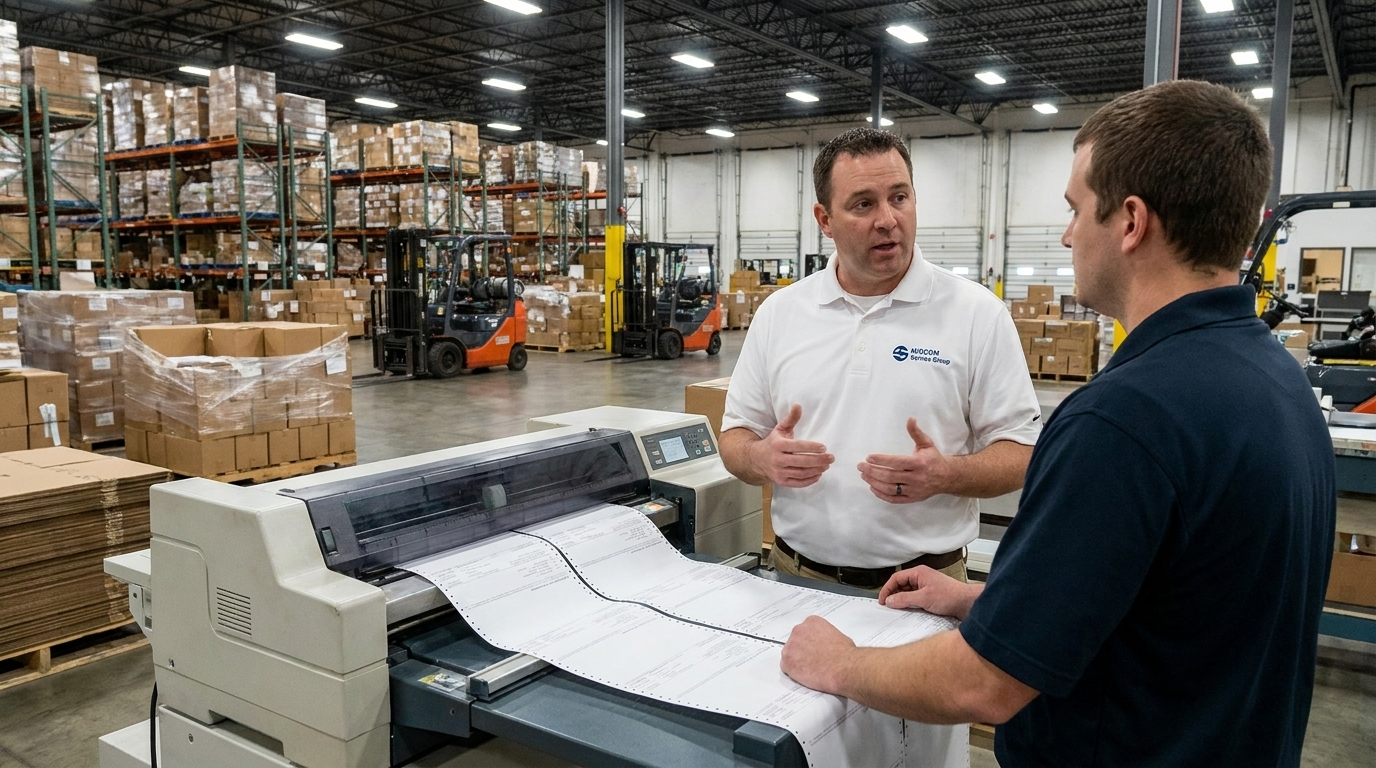
For businesses running multiple printers across a warehouse, distribution center, or manufacturing floor, a proactive maintenance plan is almost always cheaper than reacting to breakdowns one at a time.
Don't Let a Printer Problem Become a Business Problem
A laser printer issue might start small — a jam here, a streaky page there — but left unaddressed, it becomes a bottleneck that ripples through your entire operation. Orders slow down. Deadlines slip. Employees spend time troubleshooting equipment instead of doing their jobs. And every hour the printer sits broken is an hour of lost productivity that adds up fast.
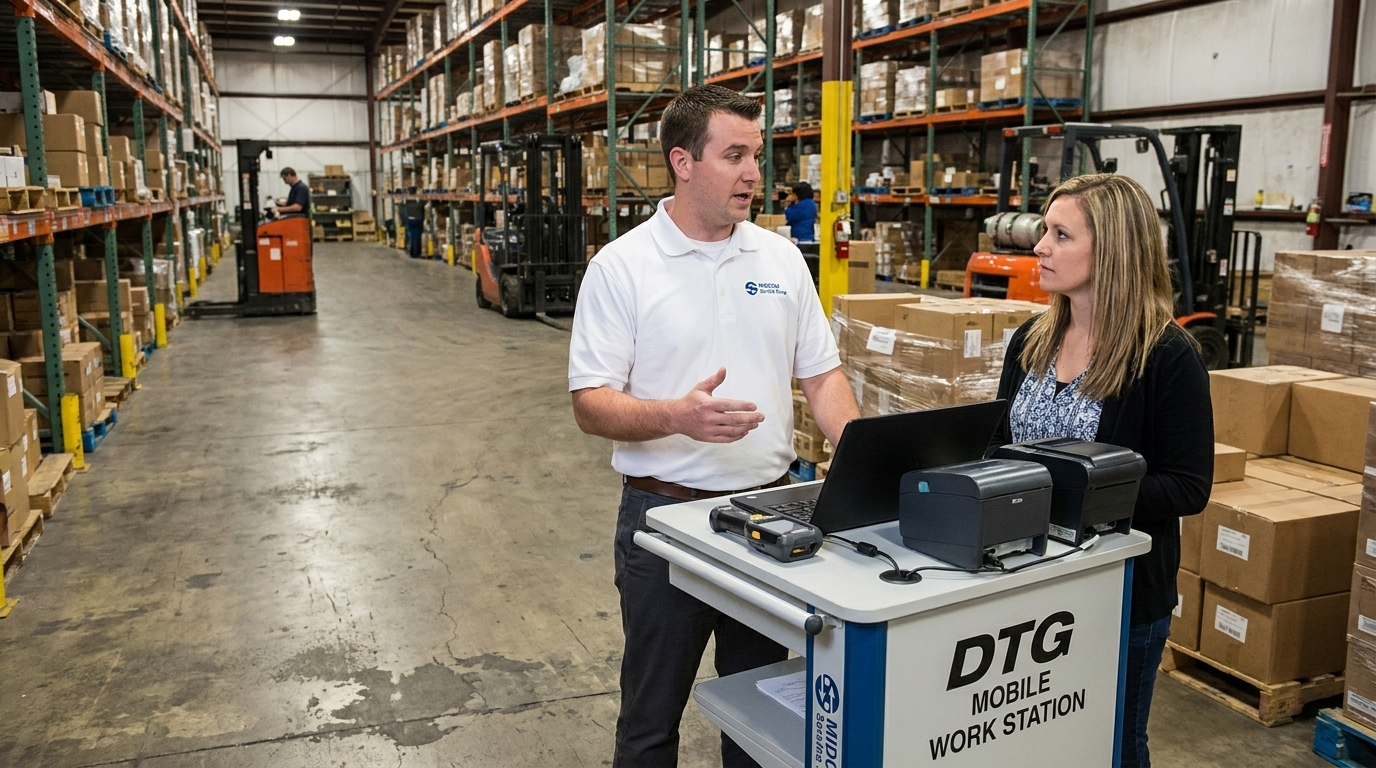
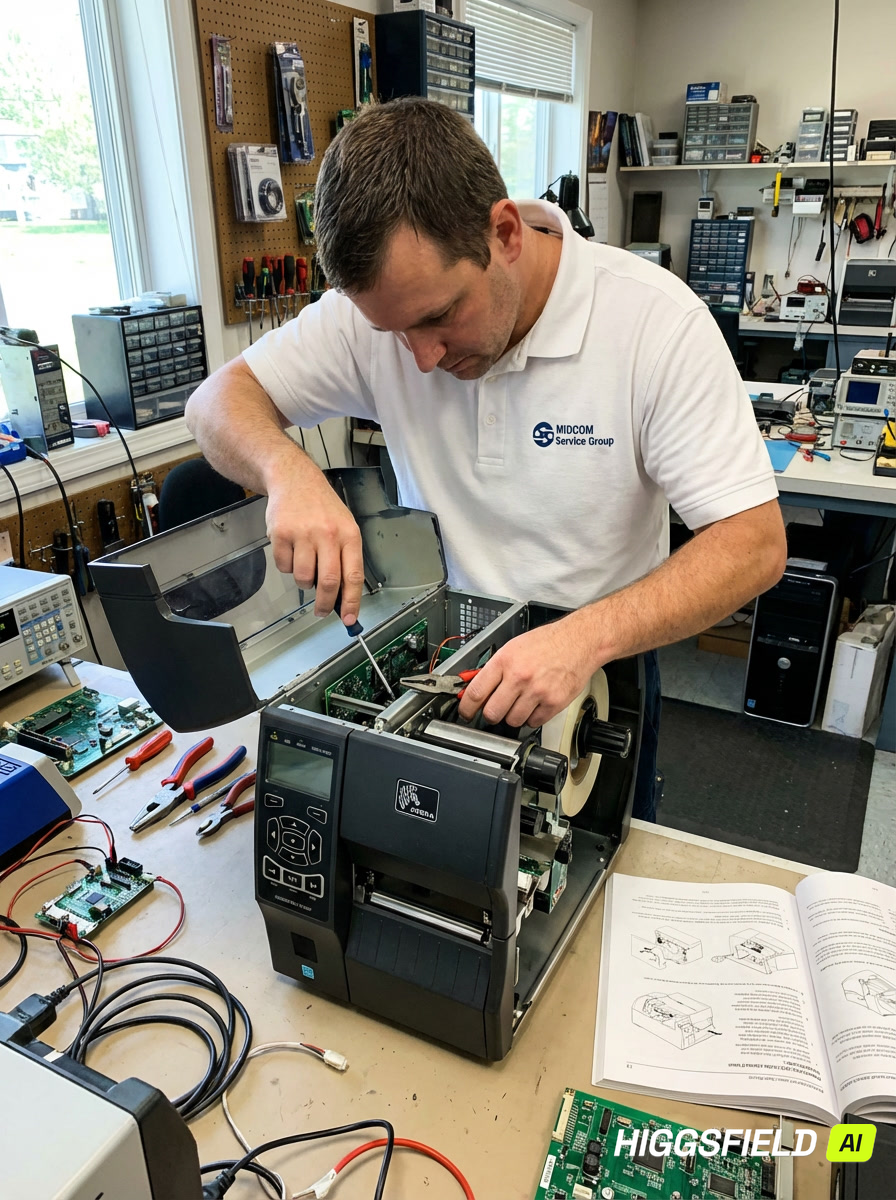
The good news is that most laser printer problems don't require shipping equipment off-site and waiting days or weeks for a return. A certified technician can come to your location, diagnose the issue, and get your printer back up and running — often the same day.
If your laser printer is jamming, misprinting, throwing error codes, or refusing to work at all, don't let it slow your business down any longer.
Schedule Fast Onsite Printer Repair with MIDCOM →
MIDCOM's certified technicians come directly to your facility, with next-business-day response and a 30-day repair warranty on every job. Whether it's a single office laser printer or a fleet of machines across a distribution center, MIDCOM has been keeping businesses printing since 1982.