
10 Line Matrix Printer Maintenance Rules To Increase Uptime

Follow these RULES to keep your line matrix printer operational.
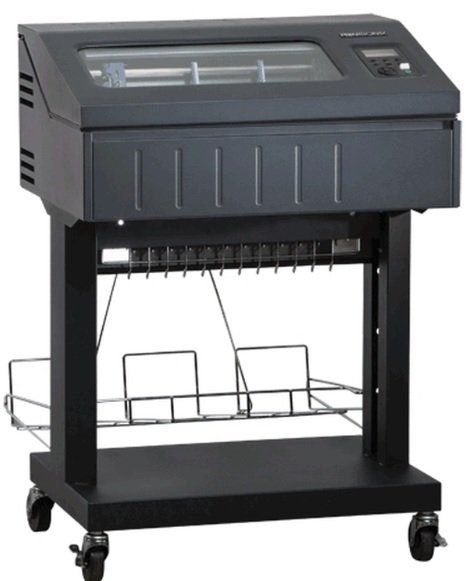
Keeping a line matrix printer
operational is essential to many businesses. Up-time can mean the difference in meeting company goals. Here are 10 line matrix printer
rules to follow.
Rule 1
Clean the line matrix printer
regularly. Dust, dirt, or any foreign objects can damage the line
matrix printer. The dirtier the environment, the more regular cleaning should be done.
Rule 2
Paper residue from the printing operation can build up. If missing print or lines without print are
appearing, wipe the paper ironer with a soft cloth. This can also clean lint and ink that may
have built up.
Rule 3
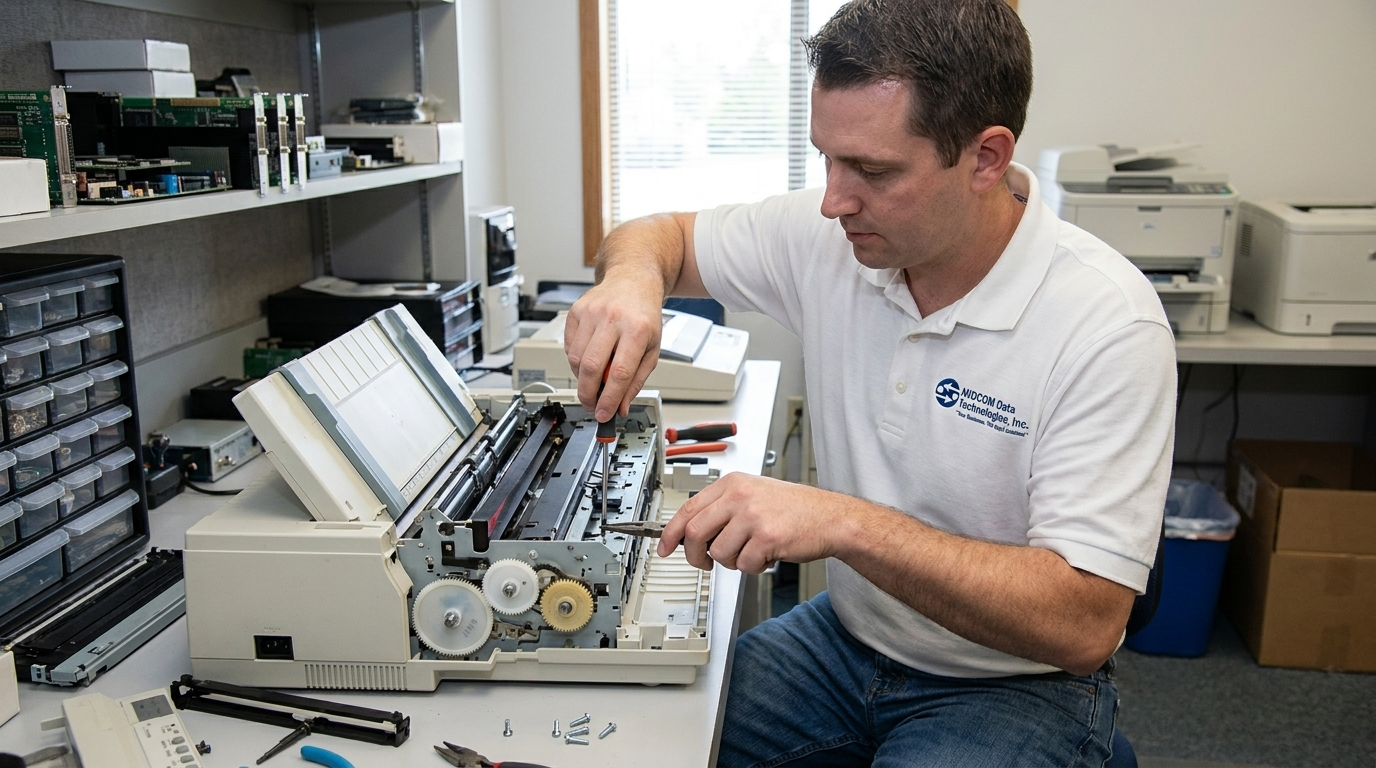
When cleaning the hammer bank assembly, be careful not to over-bend or kink the ribbon
mask. The hammer bank assembly is very fragile and if damaged will need to be serviced by a
trained technician.
Rule 4
Be careful when pulling paper backwards through the paper path, especially when using label
stock. If you are not careful, labels may detach and adhere to the printer within the paper path,
where only a certified repair technician can remove them.
Rule 5
UNPLUG THE PRINTER BEFORE CLEANING! Many times we come out to fix a printer
because it wasn’t unplugged before cleaning was done. Automatic parts may start to move
during the cleaning process and catch you or the cleaning device. This can cause the part(s) to
become misaligned or, even worse, break.
Rule 6
Do not use canned air to clean the hammer bank assembly. This can blow foreign materials
into the line matrix printer
and cause poor printing and possible damage. Instead, vacuum the
hammer bank and surrounding areas. You should still be careful when vacuuming to not
damage critical components.

Rule 7
It may sound silly, never operate the printer with the hood up. If by chance you decide to bypass the safety switch when the printer cover is up, be sure that a scarf or necktie isn’t dangling into the printer mechanism. This could lead to printer damage, or even worse, personal injury.
Rule 8
When replacing the ribbons, use only ribbons that are recommended for your
line matrix printer. Check your user’s manual for the best ribbons. Be careful in choosing the right ribbons for your
line matrix printers. Non-OEM ribbons may harm or even damage your
line matrix printer.
Rule 9
A simple task like loading paper can also misalign or even damage your
line matrix printer. On many
line matrix printers
you will need to “STOP” or set the printer to “NOT READY” state. Check your user’s manual for proper paper loading. It’s good practice to post the proper process for loading paper (as well as other printer functions) near the printer for a quick reminder, especially if many different people care for the printer.
Rule 10
Always pay attention to the error messages that your
line matrix printer
displays. Your user’s manual will have what each error message means. Keep the user’s manual readily available for easy access to reference an error message.
One of the best ways to protect your
line matrix printer
is with a
printer service contract. Having a professional certified technician doing preventative maintenance and doing responsive repairs, can make a big difference.
Here at MIDCOM we offer
Printer Protection Plans
that offer replacement of your
line matrix printers. Talk to one of our Printer Specialists now by calling(877) 531-2338.
Get A Maintenance Plan For Your Line Printers